In order to use this feature, be sure to enable licensing for your account.
To edit an area:
- From the Admin menu, select Account Admin.
- Select Licensing. The Licensing Dashboard displays.
- From the list, select License Types.
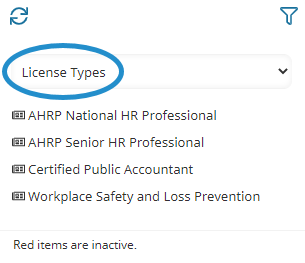
- Select the license type you would like to edit.
- Edit the license type's settings as needed.
- Click Save.