Immediately after adding a labeling activity, the workscreen displays a sample labeling activity.
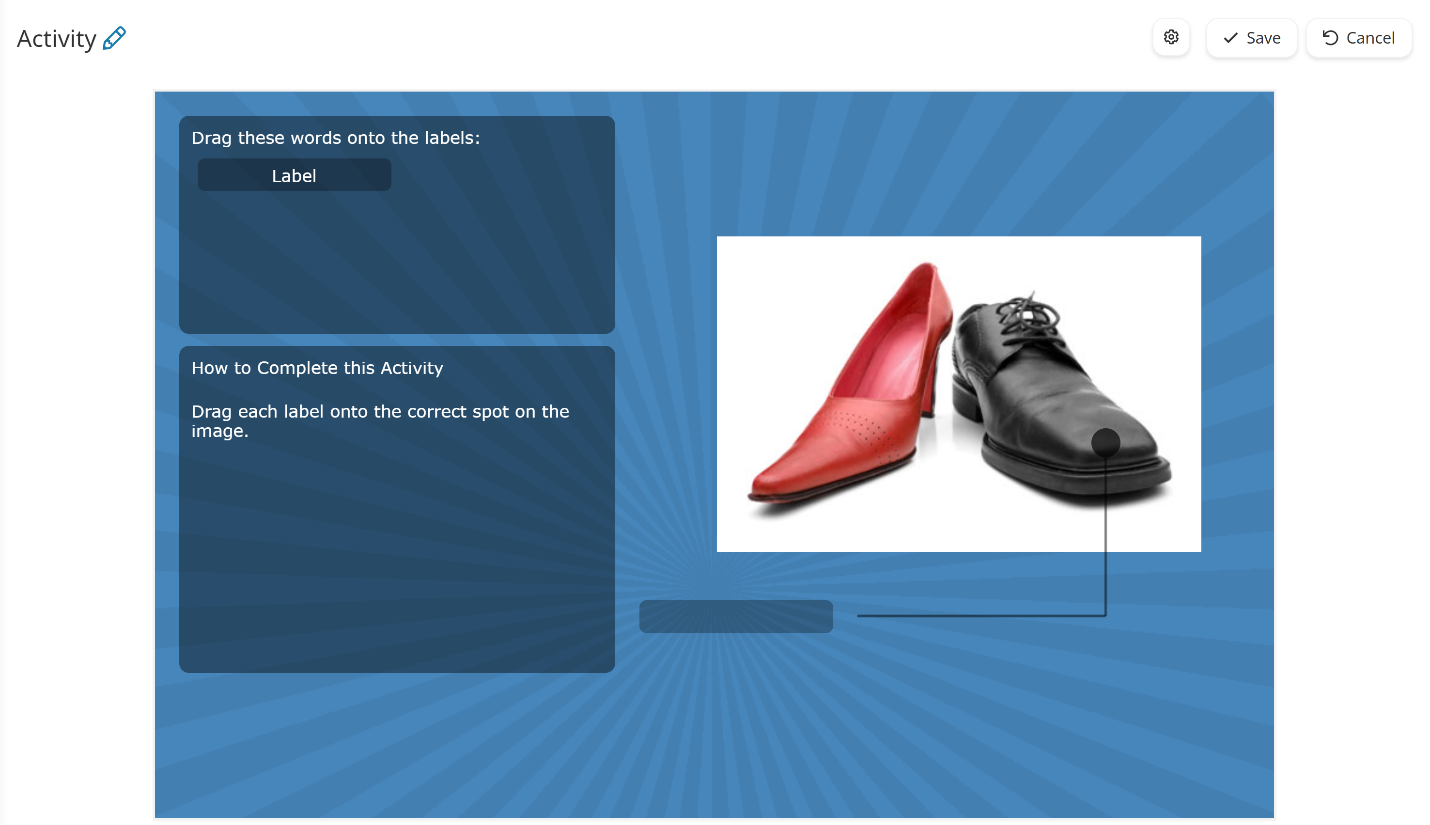
When you add content to the labeling activity, a preview of the activity with your activity group and labeling sets displays. Any changes you've made to the activity's design are also reflected in the preview.
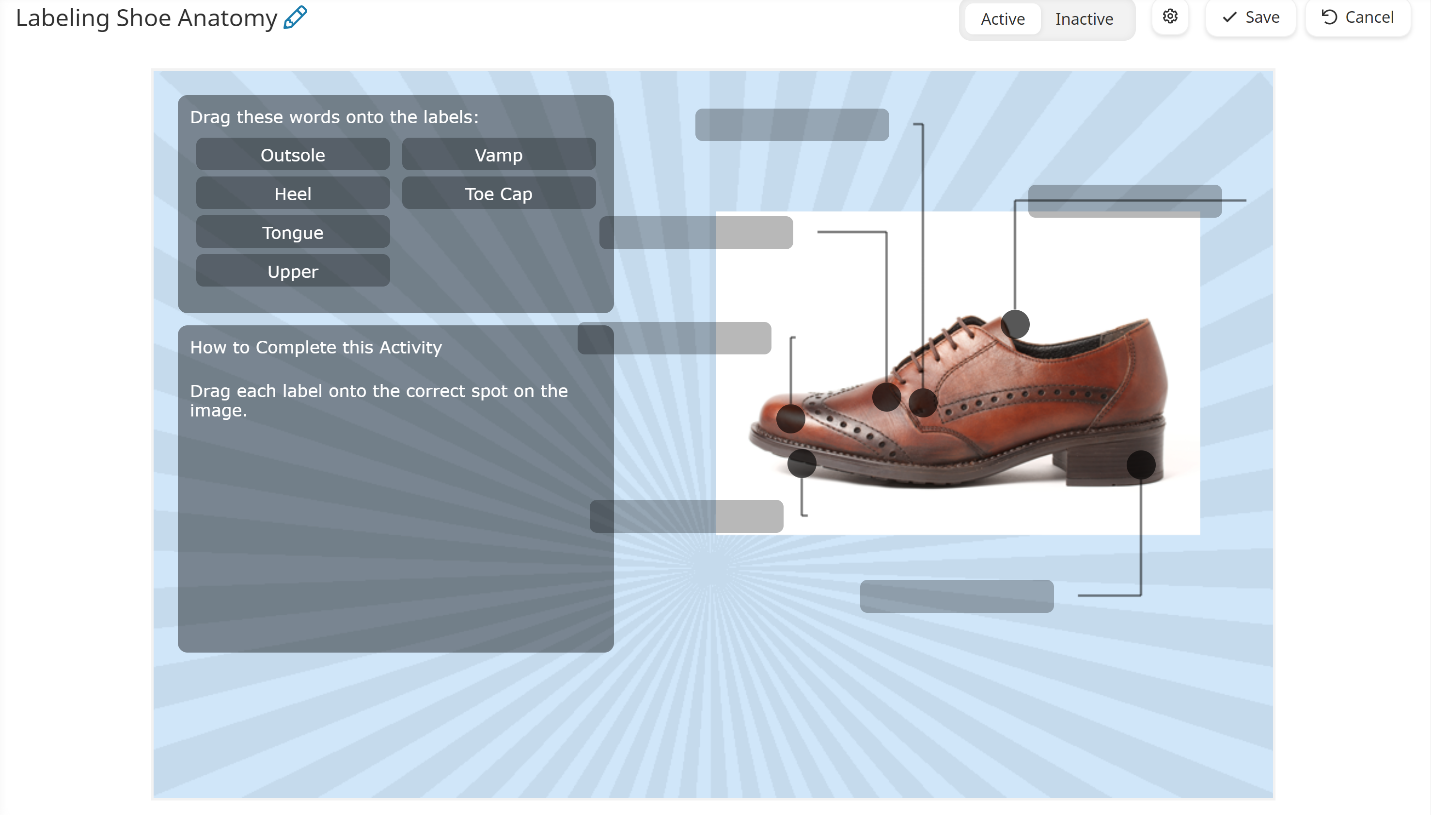
- If you edit your labeling activity, you'll need to click Save to reflect the changes in the preview.
- If your activity has multiple activity groups, you must correctly label the previous activity group before the next one will display in the preview.