Viewing Subscriptions by Name
To view subscriptions by name:
- From the Admin menu, select Account Admin.
- Select Subscriptions. The Subscriptions Dashboard displays.
- From the list, select Subscriptions (by name).
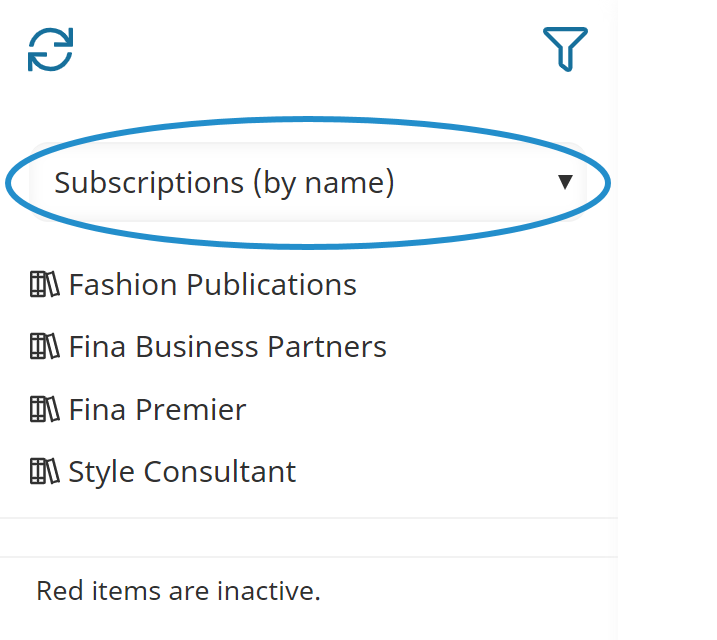
To view the details of a subscription, click the subscription name.