To edit a subscription:
- From the Admin menu, select Account Admin.
- Select Subscriptions. The Subscriptions Dashboard displays.
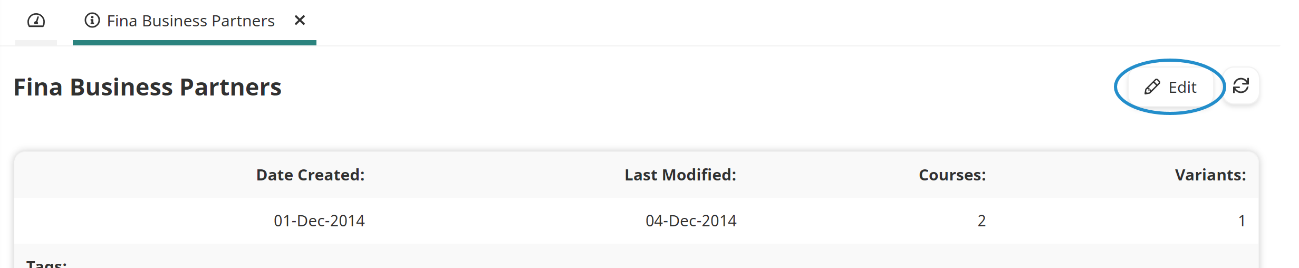
- Select the subscription you would like to edit. A tab displays the selected subscription's information.
- Click Edit.
- Edit the subscription's settings as needed. Information about the various accordions can be found on the pages below:
- Click Save.