A PDF task enables you to add a PDF document to the course. Learners taking the course will be able to view, download, and print the PDF.
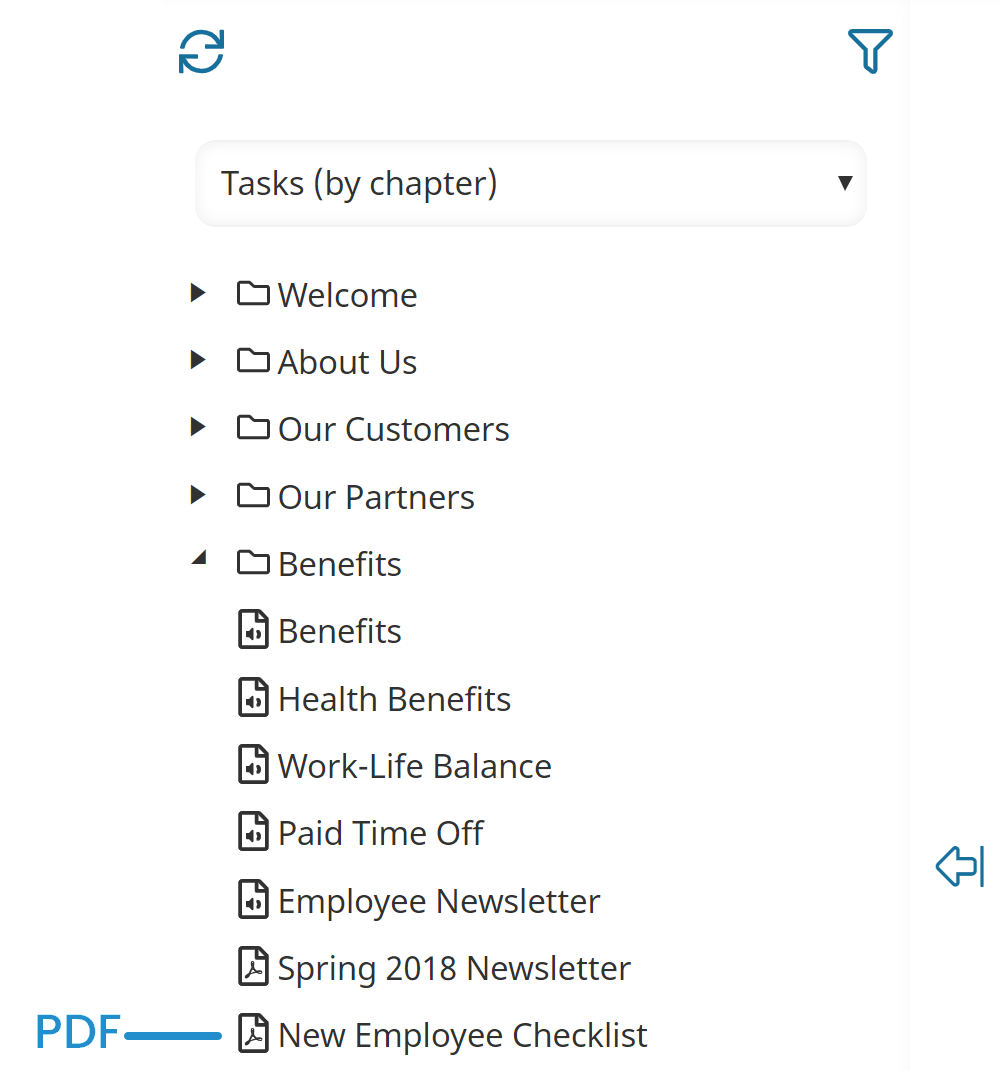
In the Course Builder Dashboard's list of tasks, PDF tasks display a  icon beside them.
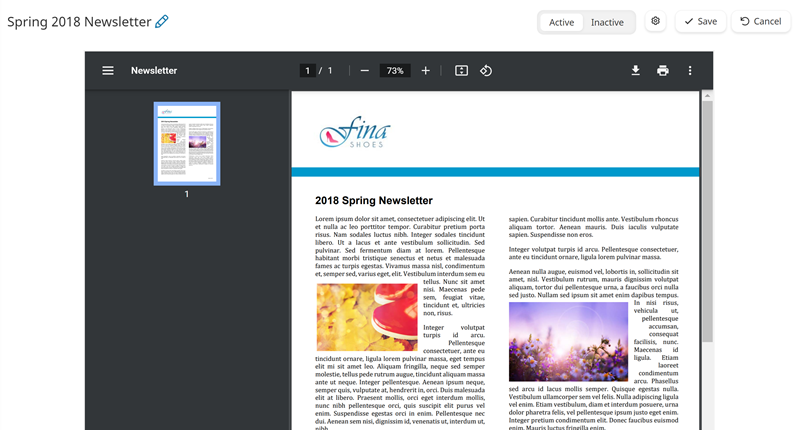
After you upload a PDF file to the task, you'll be able to view the file from the PDF workscreen.
If you don't see the settings for the task, be sure the  button at the top of the workscreen is enabled. Depending on your screen size, the settings will display either on the right or at the bottom of the workscreen.
button at the top of the workscreen is enabled. Depending on your screen size, the settings will display either on the right or at the bottom of the workscreen.