These settings are located in the Main accordion of the Add/Edit Requirement workscreen.
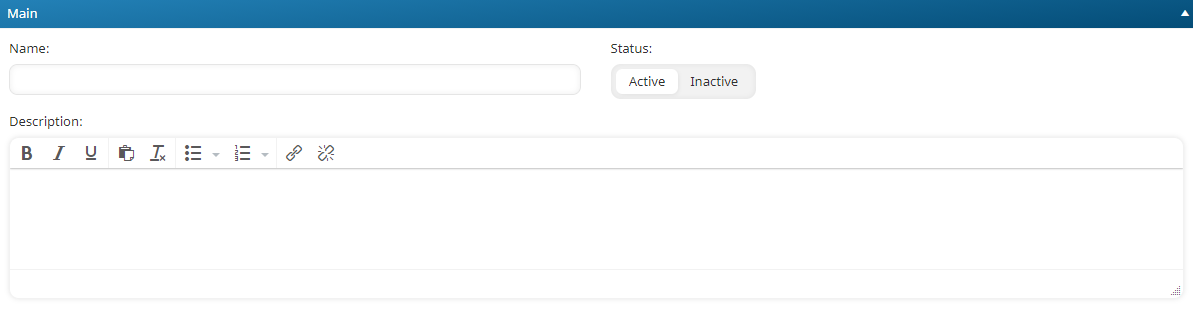
Settings
Name
The name of the requirement.
Status
Indicates whether the requirement may be associated with a certification:
- Active - the requirement may be associated with a certification.
- Inactive - the requirement may not be associated with a certification.
Description
A description of the requirement. You can use the WYSIWYG editor to format the description. Not all options listed on the WYSIWYG Editor page are available in the Add/Edit Requirement workscreen.