To edit a folder:
- From the Admin menu, select Knowledge Base.
- Select the knowledge base that contains the folder.
- Click the folder.
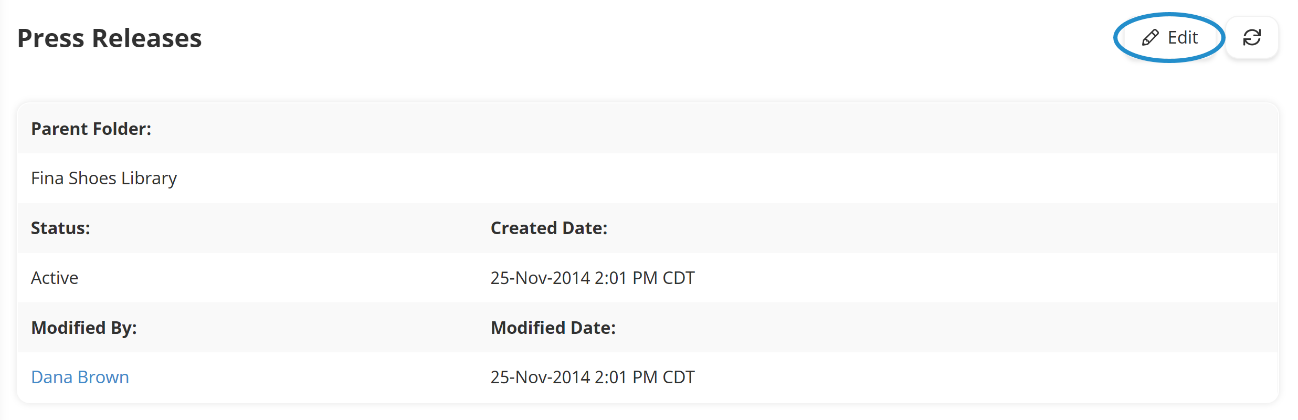
- Click Edit.
- Edit the folder settings as needed. Information about the various settings can be found on the pages below:
- Click Save.