
These tag settings are located in the Main accordion of the Add/Edit Tag workscreen. The Add/Edit Tag workscreen displays when you add or edit a tag.
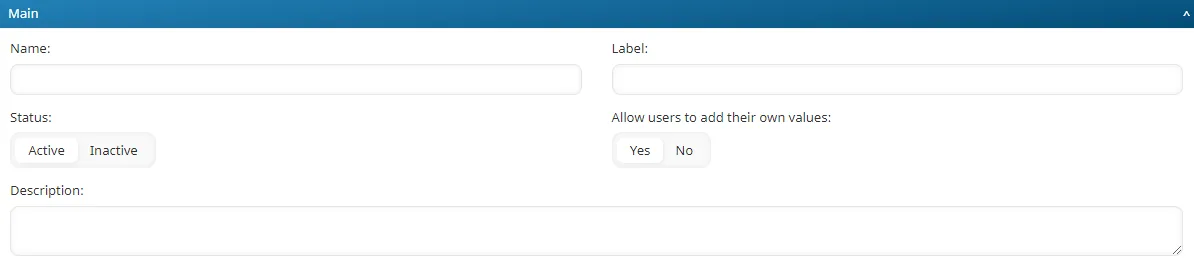
Settings
Name
The internal name of the tag.
Label
The name displayed for the tag throughout SmarterU.
Status
Select the tag's status:
- Active - The tag may be associated with courses, groups, knowledge base articles, knowledge base files, and subscriptions.
- Inactive - The tag may not be associated with courses, groups, knowledge base articles, knowledge base files, and subscriptions.
Allow Users to Add Their Own Values
Select whether users will be able to add their own values to the tag:
- Yes - Users may add values to the tag.
- No - Users may only select from the values that you've defined for the tag.
Description
A description of the tag.
Was this article helpful?
Your answer helps us improve the Success Center.