In order to use this feature, be sure to enable licensing for your account.
To add an agency:
- From the Admin menu, select Account Admin.
- Select Licensing. The Licensing Dashboard displays.
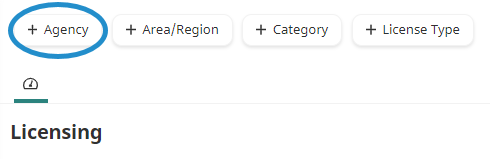
- Click Agency.
A new tab displays the Add/Edit Agency workscreen.
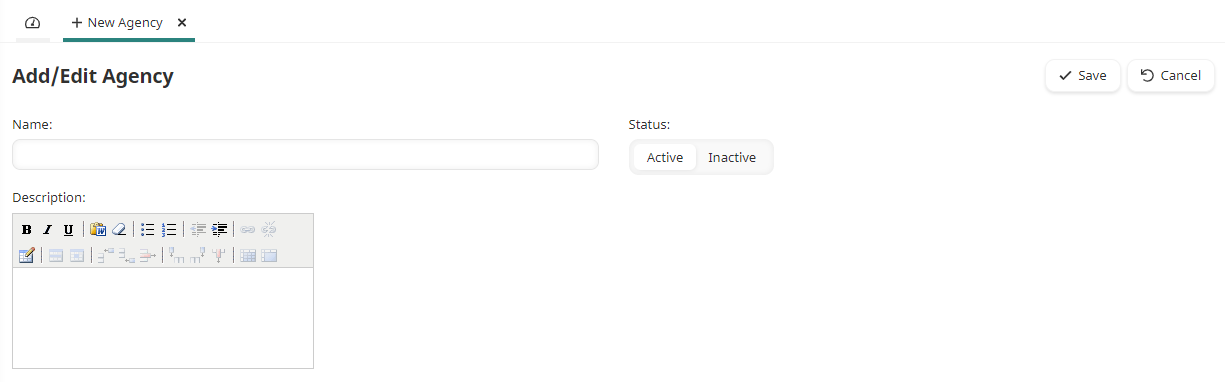
- Specify the agency's settings.
- Click Save.
Settings
Name
The name of the licensing agency.
Status
Select the agency's status:
- Active - The agency may be associated with certifications, point trackers, and users.
- Inactive - The agency cannot be associated with certifications, point trackers, and users.
Description
A description of the licensing agency.