AutoProctor Support
We’ve added support for AutoProctor, an AI video-proctoring service.
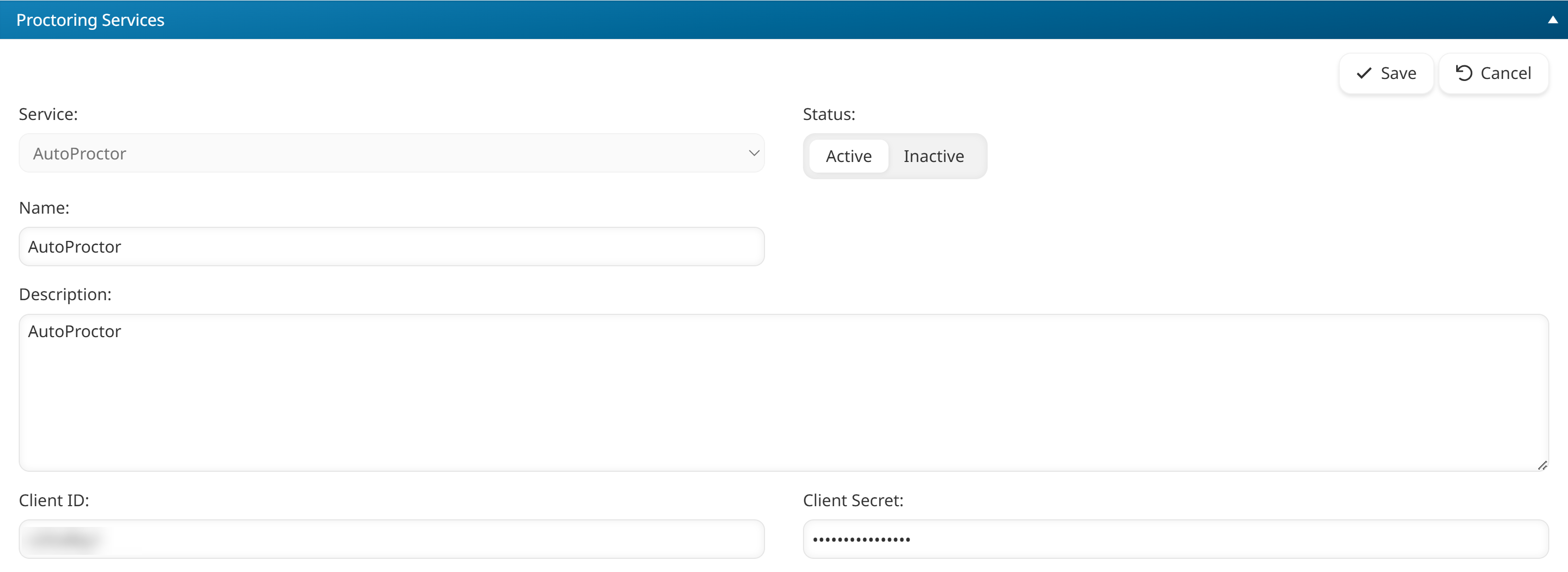
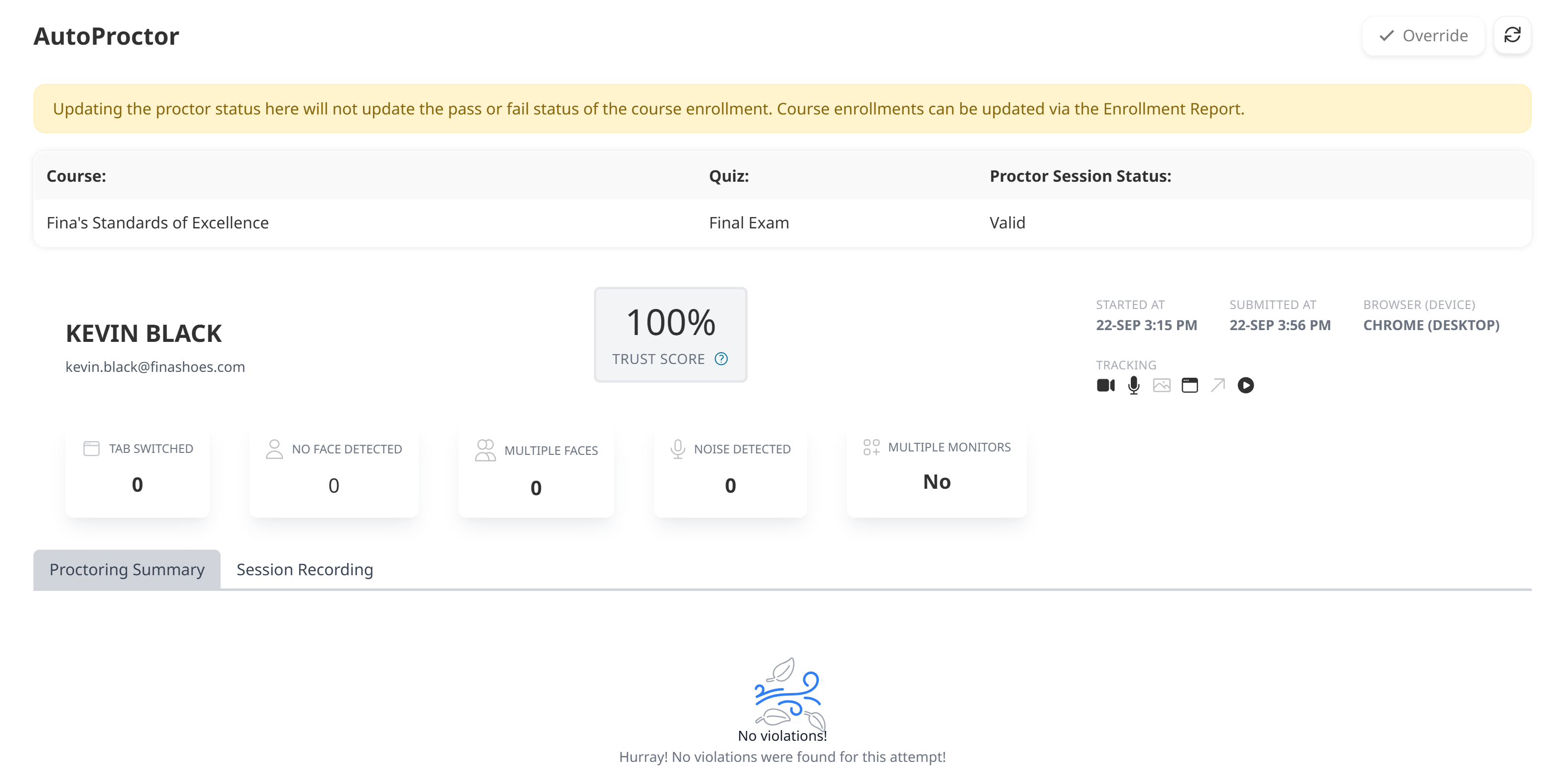
You can now add the AutoProctor proctoring service to your account and use it for your online courses. As part of this enhancement, we’ve updated the Proctoring Services workscreen so that you can view details about a learner’s proctor session and replay the recording of the session.
Additional Course Length Enhancements
We’ve made additional enhancements to support the course length setting that we added in our June 7, 2025 release.
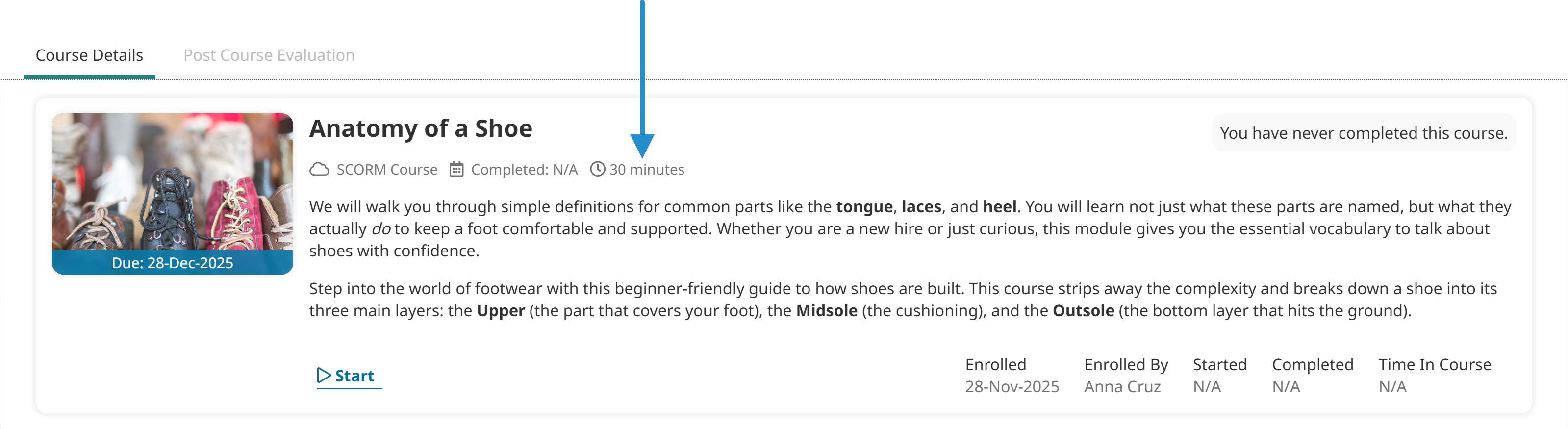
Learners will now see the course length information when they view a course’s details.
We’ve added two new settings to the Add/Edit Category Page workscreen. The Include Course Lengths setting lets you display courses with a specified duration on a page.
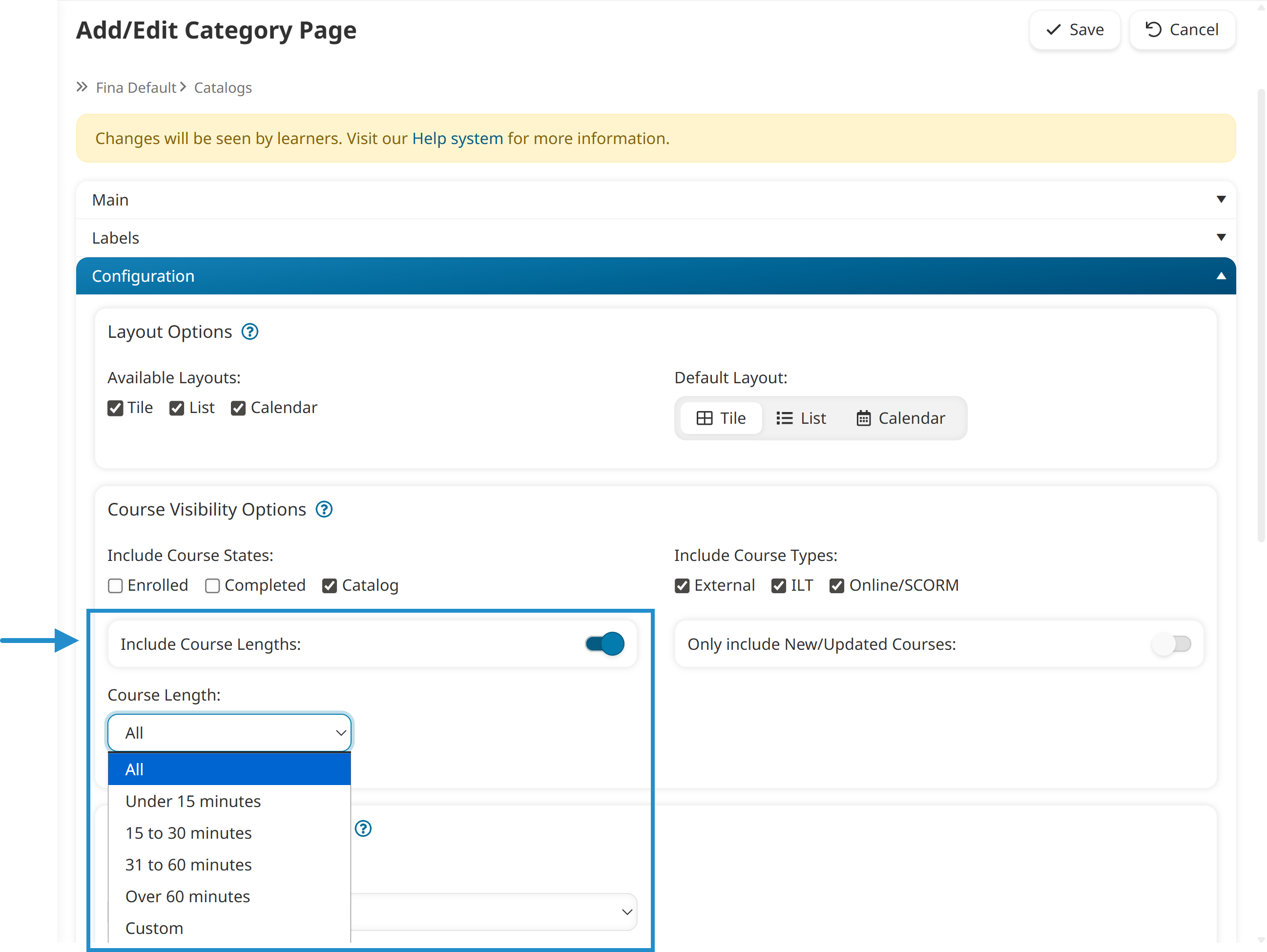
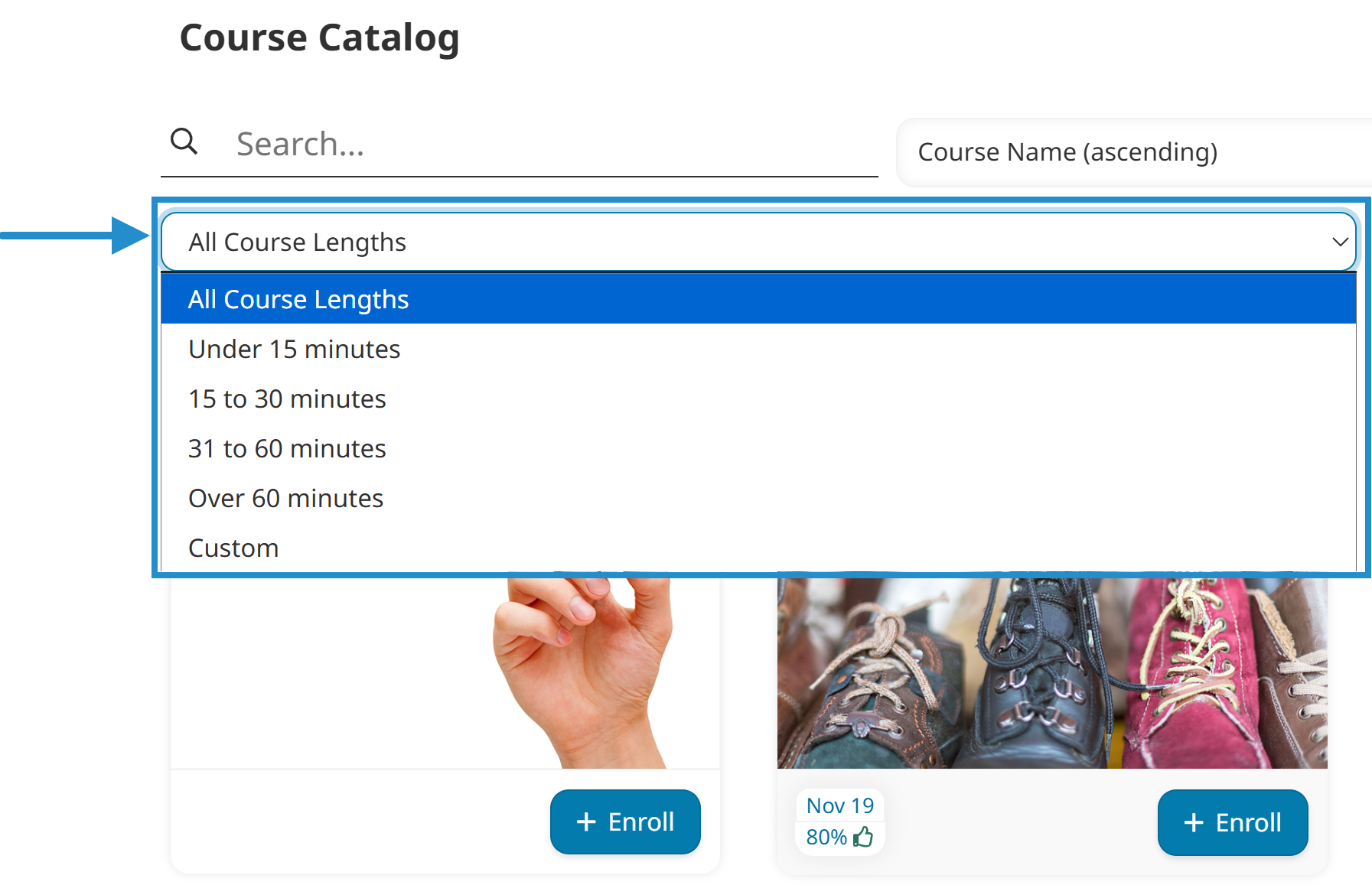
We’ve also added the Filter by Course Length setting to a page’s configuration.

Enabling this setting allows learners to filter courses on a page by their duration.
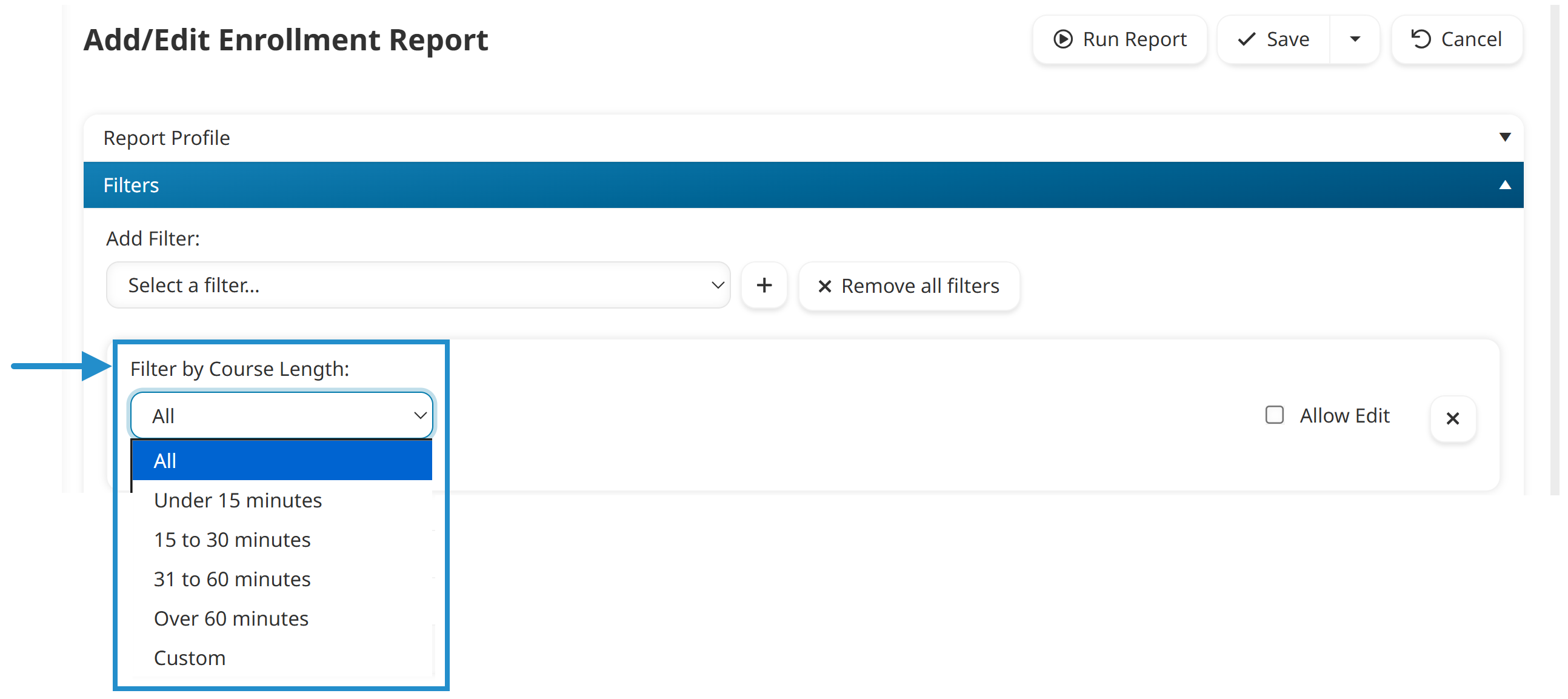
We've also added the option to display and filter by the course length field when running custom Enrollment Reports and custom Learning Plan Reports.
Enhanced Chat
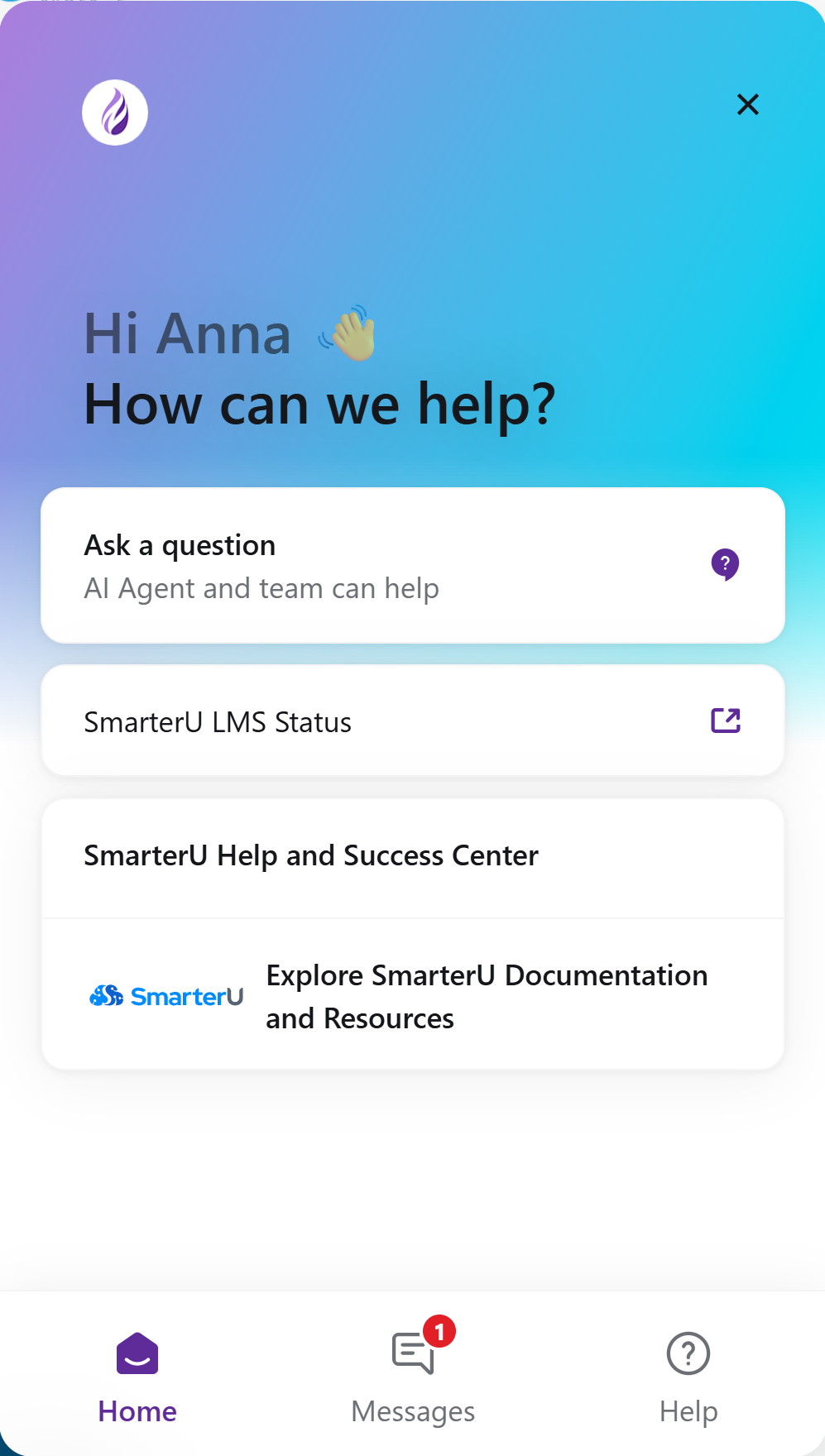
We’ve updated our chat feature to make it easier for you to find the information you need. Jovie, our new AI-powered chatbot, is available 24/7/365 to answer your questions, view your tickets, and connect you with someone from our Success Desk.
We'll be covering these topics in more detail in upcoming editions of SmarterNews.