Learner Interface: Course Details Page
To view the course details, click the course name from anywhere in the learner interface.
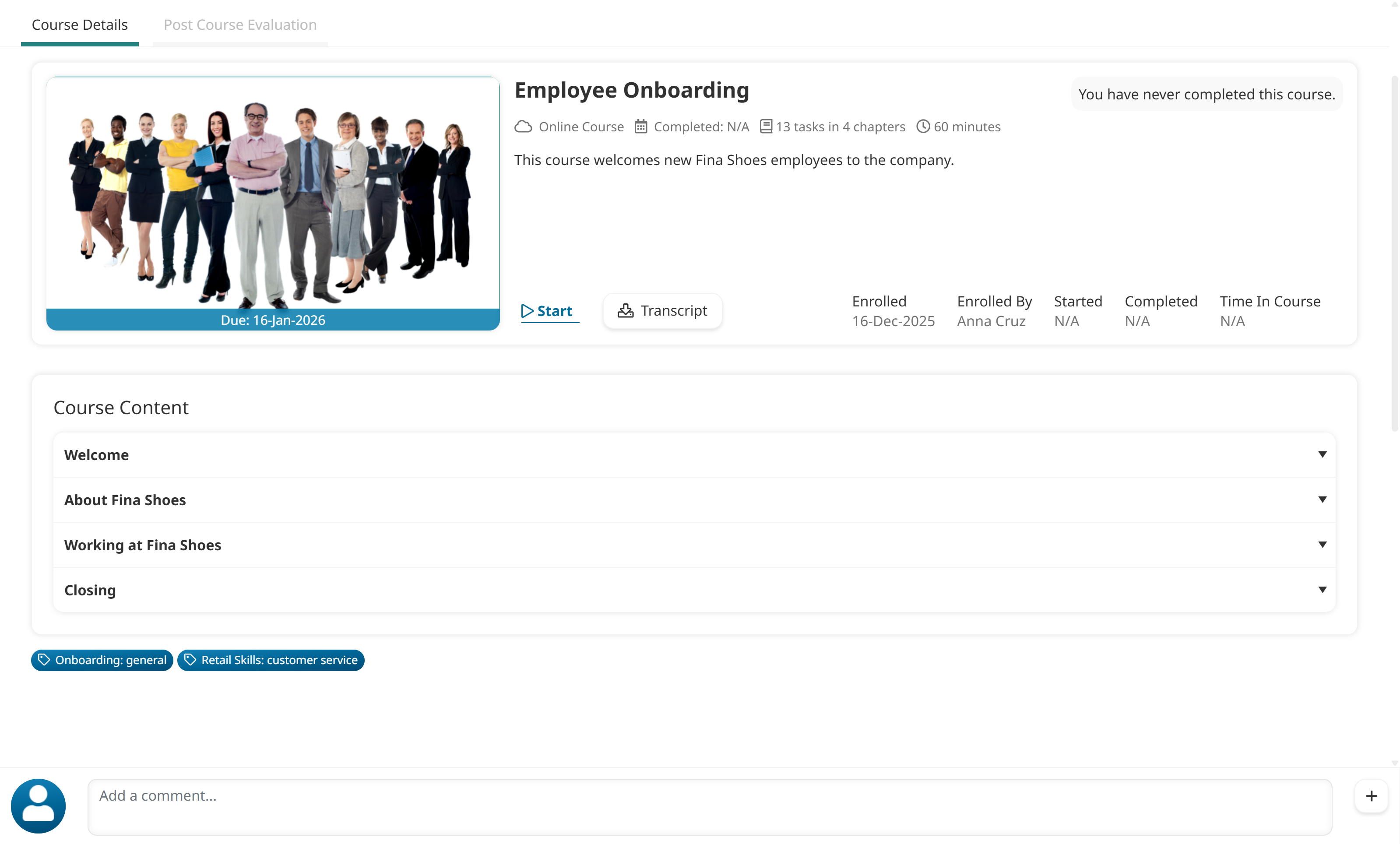
Each course displays an icon to indicate the course type.
Icon | Course Type |
|---|

| External |

| Instructor-led |

| Online |

| SCORM |
The sections displayed on the course details page will depend on the course settings and course type:
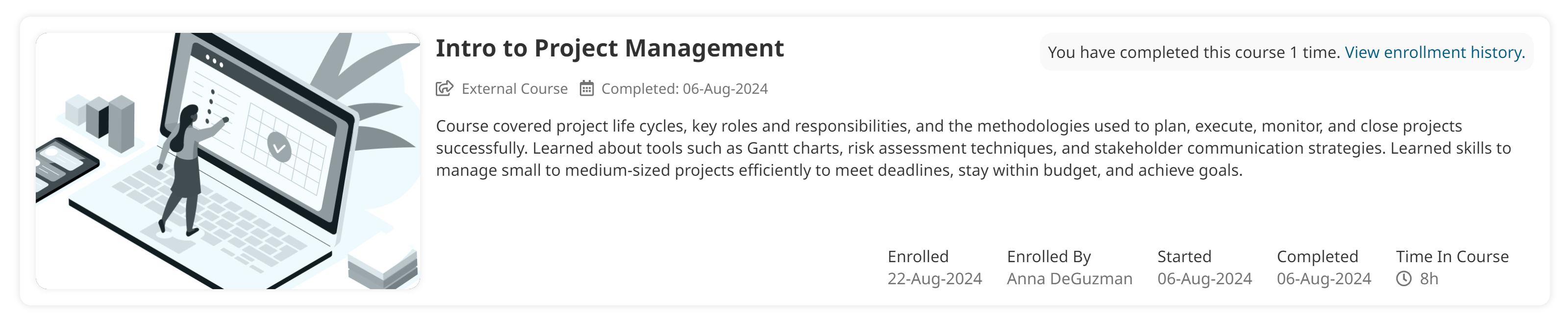
External Courses
The course details page for an external course may contain the following information:
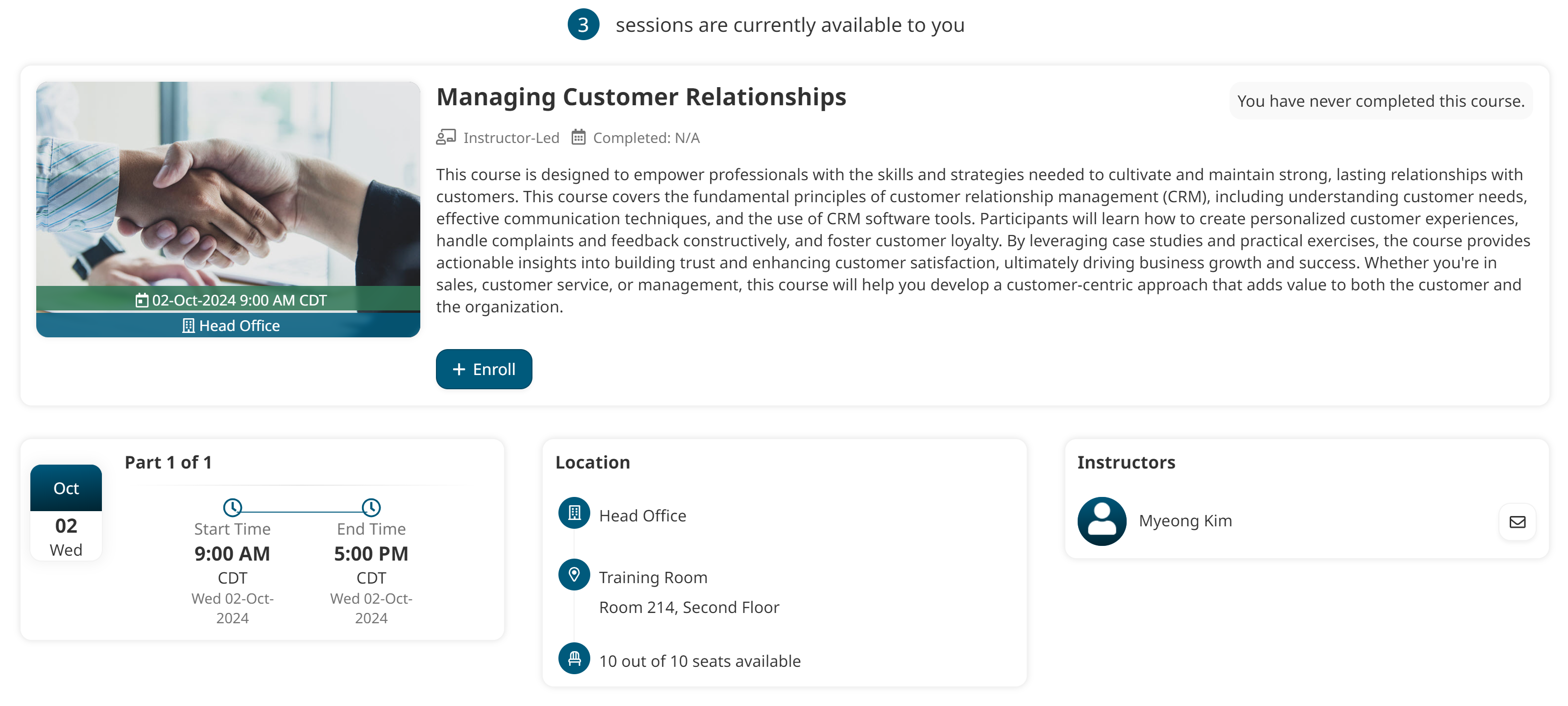
Instructor-Led Courses
The course details page for an instructor-led course may contain the following information:
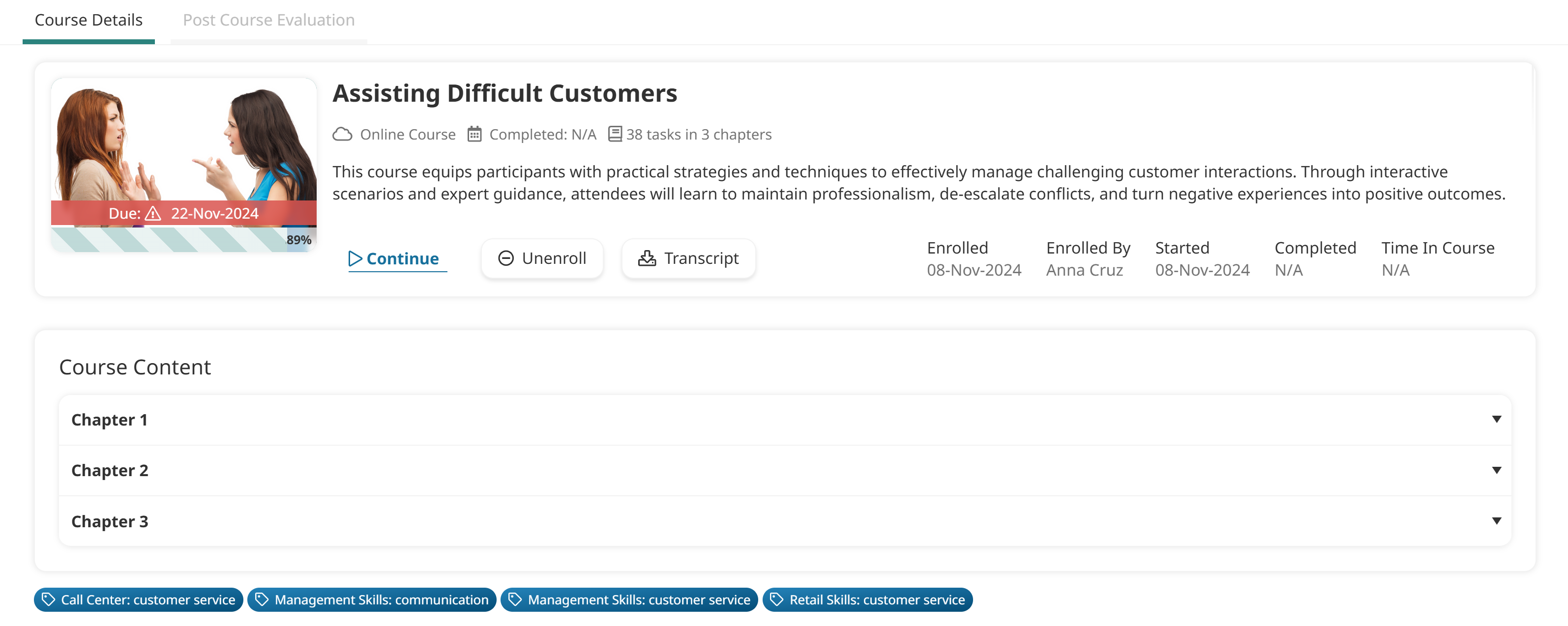
Online Courses
The course details page for an online course may contain the following information:
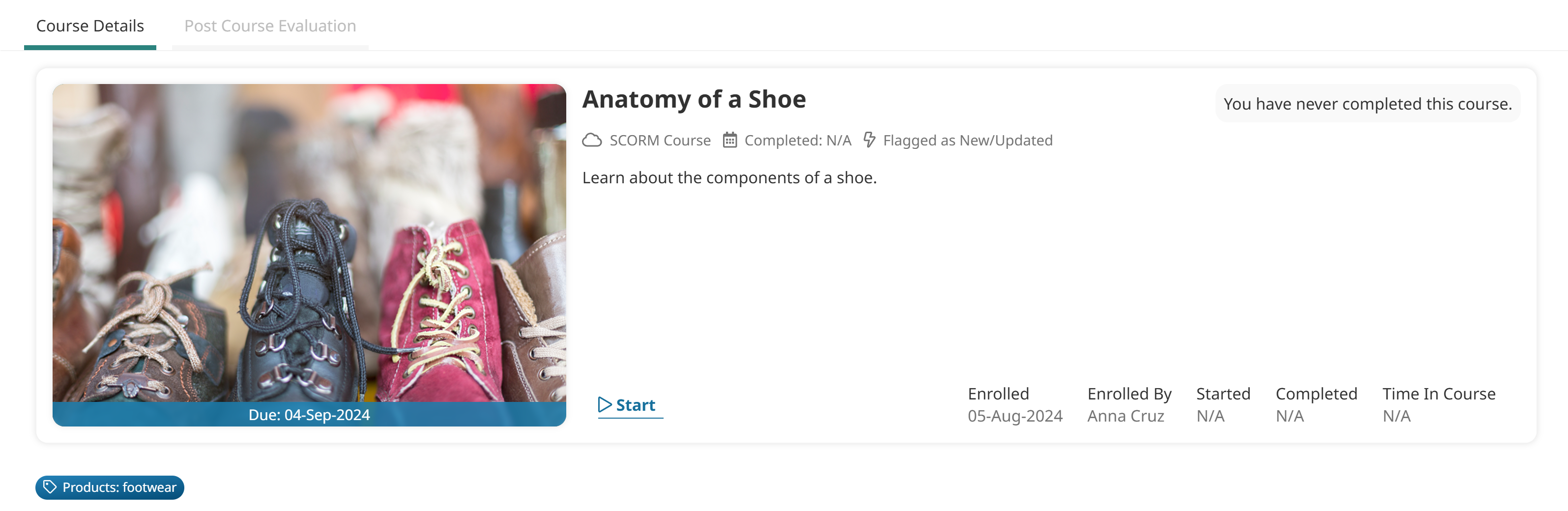
SCORM Courses
The course details page for a SCORM course may contain the following information:
Was this article helpful?
Related articles
Admin Interface > Account Administration > Settings: Account
Admin Interface > Courses: Instructor-led
Admin Interface > Courses: Online
Admin Interface > Courses: SCORM
Learner Interface > Learner Interface: Courses
Learner Interface > Learner Interface: Courses
Learner Interface > Learner Interface: Courses > Learner Interface: Course Details Page
Learner Interface > Learner Interface: Courses > Learner Interface: Course Details Page
Learner Interface > Learner Interface: Courses > Learner Interface: Course Details Page
Learner Interface > Learner Interface: Courses > Learner Interface: Course Details Page
Learner Interface > Learner Interface: Courses > Learner Interface: Course Details Page
Learner Interface > Learner Interface: Courses > Learner Interface: Course Details Page
Learner Interface > Learner Interface: Courses
Learner Interface > Learner Interface: Courses > Learner Interface: Viewing Course Tasks
Learner Interface > Learner Interface: Courses