If you're using the points and rewards feature, you may want to consider including a leaderboard page. A leaderboard page includes the learner's point history and point ranking. Depending on how you configure the Leaderboard Type setting, the page displays the point history and point ranking for either the learner, or for their home group.
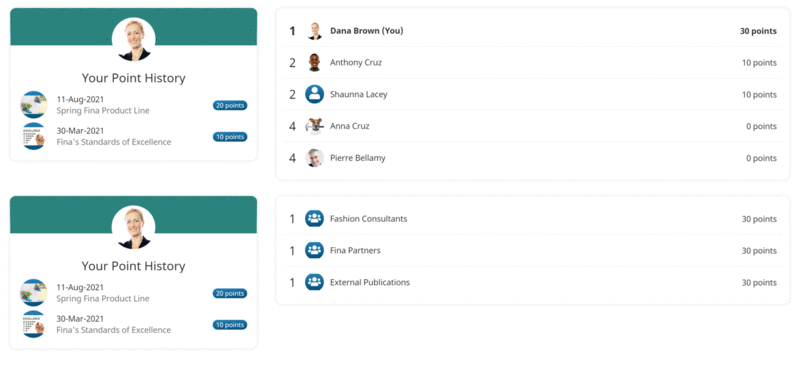
If you only want to include the point history, point ranking, or point tracker totals, you can create a custom page and only include the point history widget, point ranking widget, or point total widget.
To add a leaderboard page to a dashboard set:
Add a page to one of your categories.
From the Add/Edit Category Page workscreen:
Expand the Main Settings accordion.
From the Type list, select Leaderboard.
Click Save.
The above settings are what's required to display a leaderboard. Refer to Page: Configuration for Leaderboard Pages for details on the other available configuration settings.