Getting training content into your account is one of the most critical parts of running an LMS. It's also where many LMS administrators pause, unsure where to start. The good news is that with SmarterU LMS, you're not locked into one method. You can match the approach to the course in front of you. And however you build it, the course lives in the system, ready to assign and track alongside the rest of your training.
Some training you'll want to shape yourself, piece by piece. Some you may already own and simply need to bring in. And other times, you may want to let someone else build it for you. Here's a quick look at your five options for adding training content to SmarterU:
Build It Yourself
| Option | What it is |
|---|---|
| 🧰Course Builder | Build it yourself in SmarterU, and make real-time updates. |
| 📦SCORM upload | Upload a course made in Storyline, Rise, or a similar tool. |
| 🔄PowerPoint conversion | Turn an existing slide deck into a course. |
Have Our Team Build It for You
| Option | What it is |
|---|---|
| 🎨Custom Learning team | Rich, fully custom course with deep interactivity. |
| ⚡Express eLearning by Neovation | A polished, accessible course, delivered fast. |
Select any option to jump to the details.
Want SmarterNews delivered to your inbox? Subscribe today!
Create a Course with SmarterU’s Course Builder
SmarterU's Course Builder lets you create an online course directly in your account, without external course publishing software. You build it step by step by adding content slides, PDFs, videos, activities, and quizzes, then arrange them into chapters to keep everything in a logical order. You can also add narration, using your own audio clips or SmarterU's built-in text-to-speech tool.
Because you're building inside SmarterU, updates are simple and take effect right away. The builder also supports collaboration, so several team members can work on the same course.
For example, if you’ve taken our free SmarterU Academy, it was built with the Course Builder.
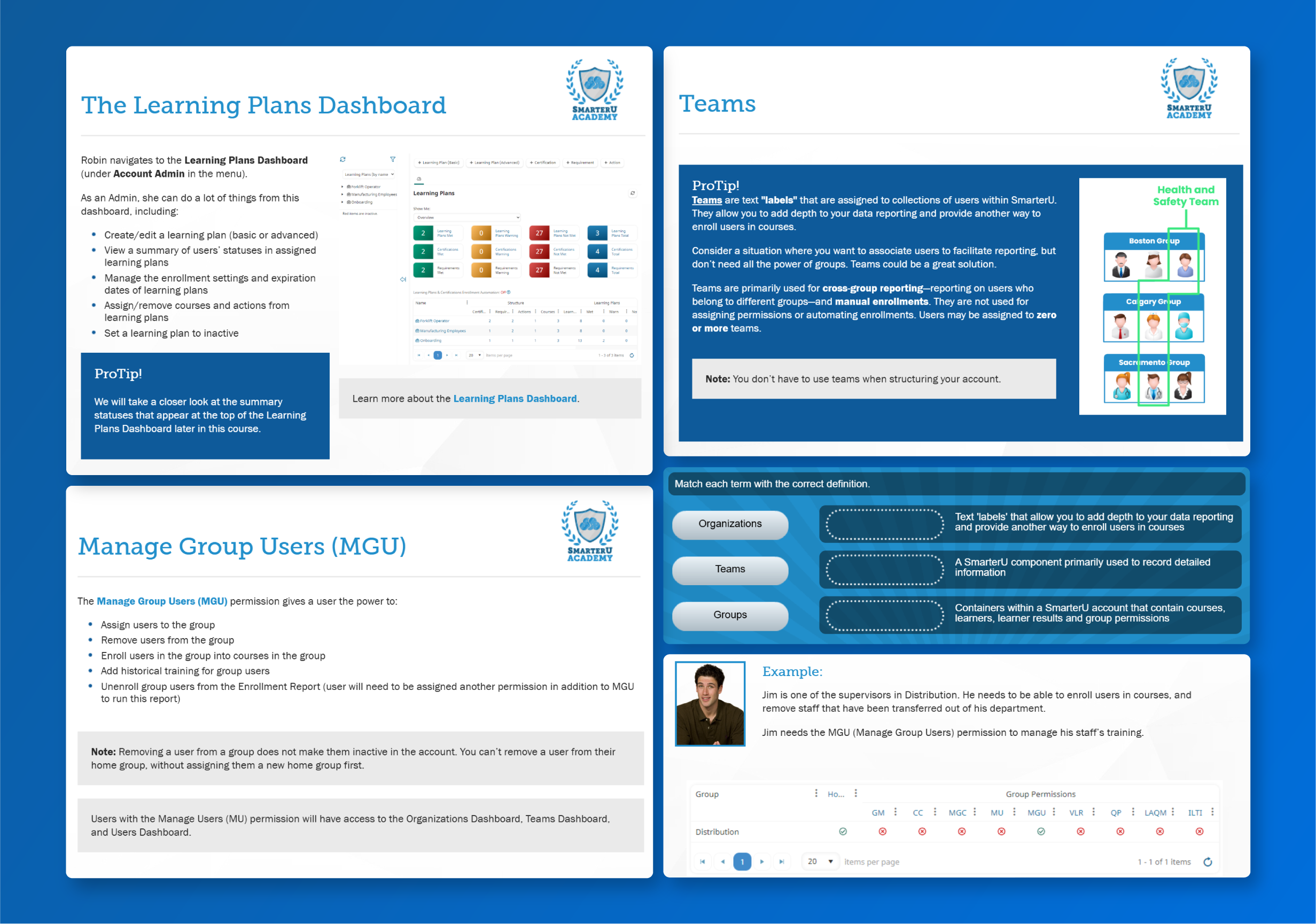
Choose the Course Builder when you want to:
- Build a course that's unique to your company, with full control over the content
- Combine content slides, video, and PDFs in one course
- Add interactive knowledge checks like flashcards, matching, and gameshow activities
- Test and grade learners with built-in quizzes that support multiple choice, video, short, and long answer questions
Upload a SCORM Course You Already Have
Maybe your training content already exists as a finished course, built in a tool like Articulate Storyline, Rise, or Adobe Captivate. If so, there's no need to recreate it. You can bring it straight into SmarterU as a SCORM course.
SCORM, short for Shareable Content Object Reference Model, is an industry standard for packaging eLearning so it works across different learning platforms. Using an authoring tool, you can create highly customized, interactive training, including branching scenarios. From there, publish the course as a ZIP file and upload it to SmarterU, where you can assign it to your learners.
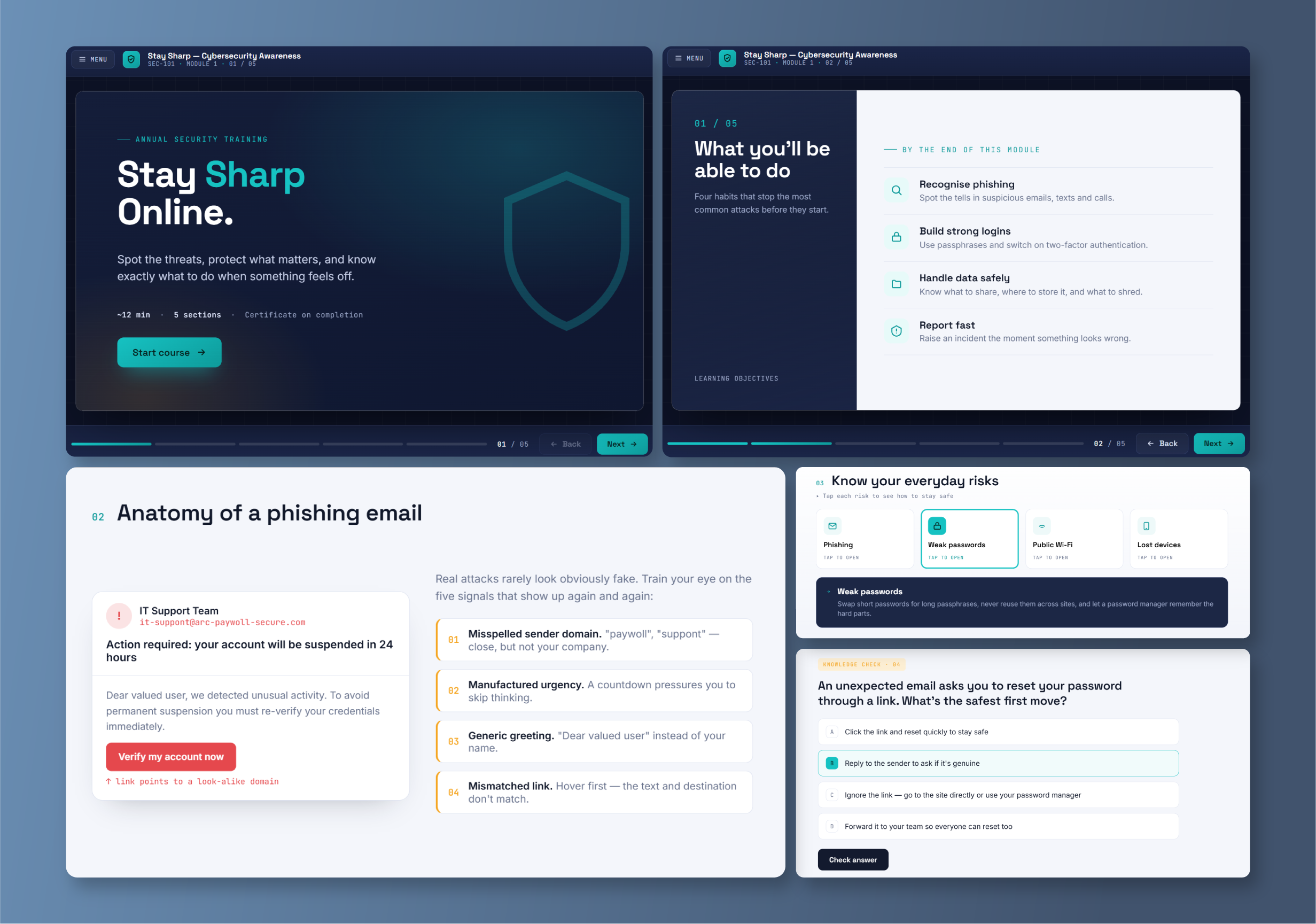
Choose a SCORM upload when you want to:
- Bring in a course you already built or purchased
- Reuse content you had in a prior Learning Management System (LMS)
- Build advanced interactions like simulations and scenario-based exercises
- Keep using the authoring tools your team already uses
Convert a PowerPoint into a Course
Plenty of training content already lives in PowerPoint slide decks. If yours does, SmarterU gives you a couple of ways to turn that presentation into a course you can assign to learners.
The simplest route is SmarterU's built-in PowerPoint-to-SCORM converter. You upload your slide deck, and SmarterU converts it into a SCORM course for you — no extra software required.
If you want to add a quiz to your deck and track the grade in SmarterU, iSpring is the better fit. iSpring is a third-party tool that converts your PowerPoint presentations into SCORM courses and lets you add graded quizzes and other interactive elements. Once it's ready, you upload the finished SCORM course to SmarterU just as you would any other.
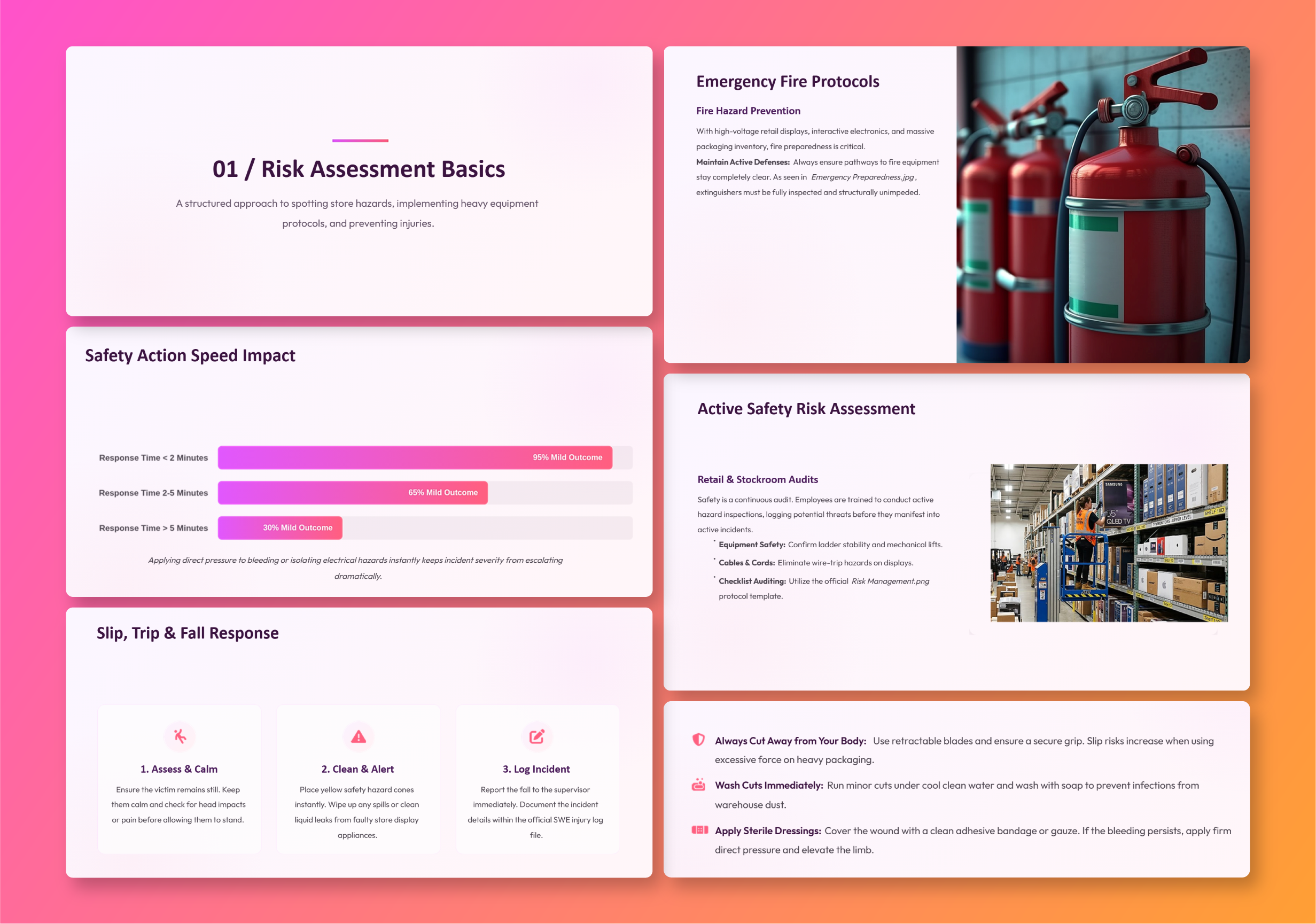
Choose PowerPoint conversion when you want to:
- Reuse a slide deck you already have
- Create a course quickly, with the built-in converter
- Assign and track a course, not just hand out a file
- Keep your existing design and branding
Get a Fully Tailored Course with Custom Learning
Imagine handing off your most important training content and getting back a course that's polished, engaging, and built entirely for your organization. That's what the Custom Learning team delivers. Whether you're at capacity, tackling a complex topic, or simply unsure where to start, our designers take it from first idea to finished course. It's yours to keep, ready to host in SmarterU as a SCORM course or in another LMS.
With Custom Learning, a full team of specialists builds your course from the ground up. It starts with senior instructional designers who know adult learning theory and principles. They consult on your curriculum, run a needs analysis, interview your subject matter experts, and shape everything into a storyboard for your course. From there, expert eLearning designers bring that storyboard to life, combining strong graphic design with professional authoring tools and other creative software. A quality assurance team tests every detail before it reaches you, and a dedicated project manager guides you from kickoff to final delivery. Each course can include branching scenarios, rich interactivity, custom media, and a look that's all your own. It's the right choice for in-depth training programs, high-stakes topics, and fully customized experiences.
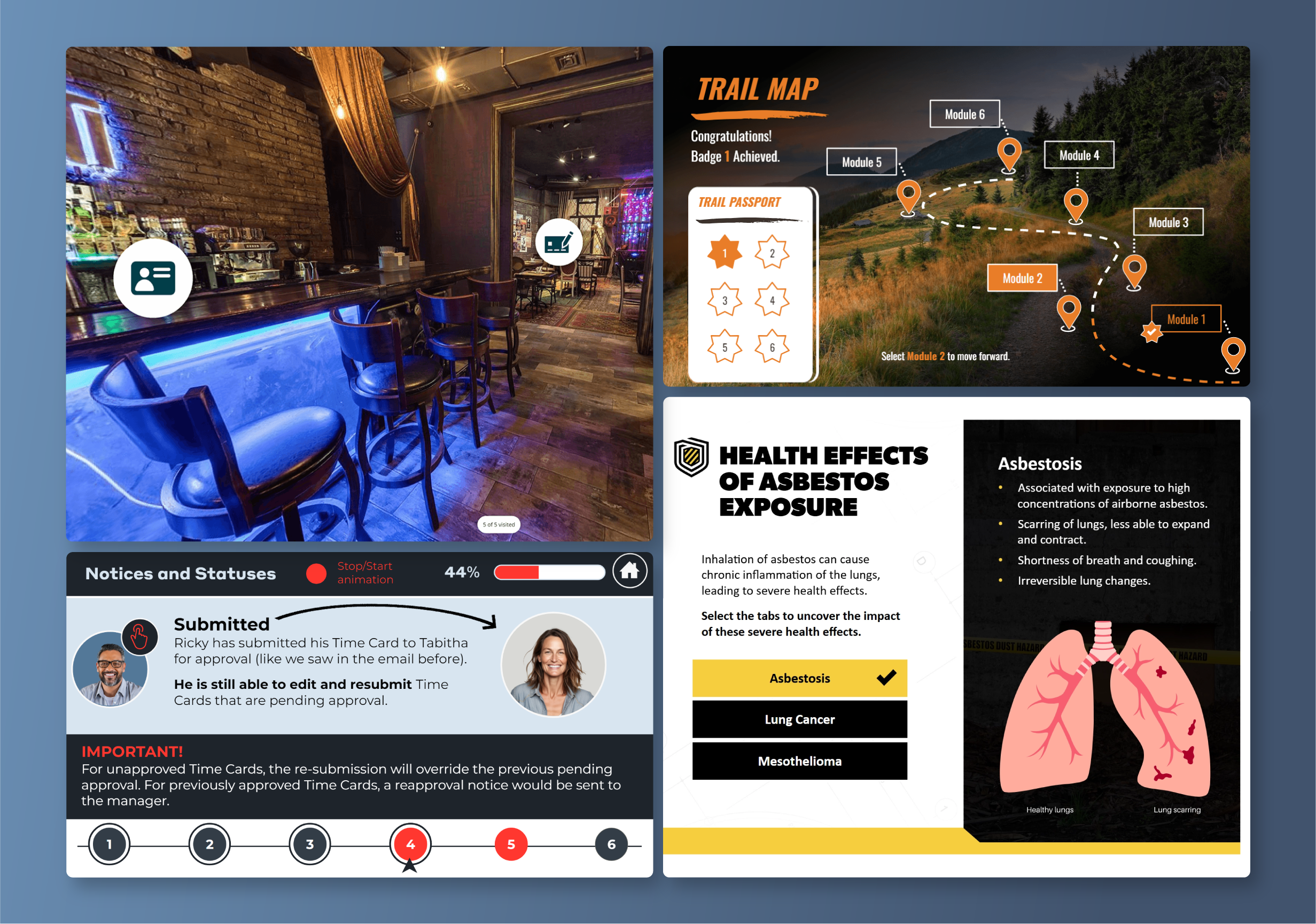
Choose Custom eLearning when you want to:
- Deliver in-depth training tailored to your goals, audience, and brand
- Include simulations, custom media, and other rich formats
- Work in close partnership with a team of eLearning experts
- Hand off the whole project when your team is at capacity or unsure where to start
Get a Polished Course Fast with Express eLearning
When you need a professional course quickly, Express eLearning by Neovation is the fast track. Bring your content or a clear topic, and our team turns it into a polished, launch-ready course, on a short timeline and at a fixed, affordable price. The finished course is yours, ready to host in SmarterU or another LMS.
Fast doesn't mean basic. Express eLearning is built by the same designers behind Custom eLearning, so every course is professionally designed, engaging, and accessible. You get the quality you expect, on a timeline that keeps your training moving.
That speed makes Express the practical way to clear your training backlog, the SOPs, compliance refreshers, and onboarding basics that keep slipping to next quarter while your team focuses on bigger projects. Many teams use both: Express to work steadily through that list, and Custom eLearning for their most complex, high-stakes programs.
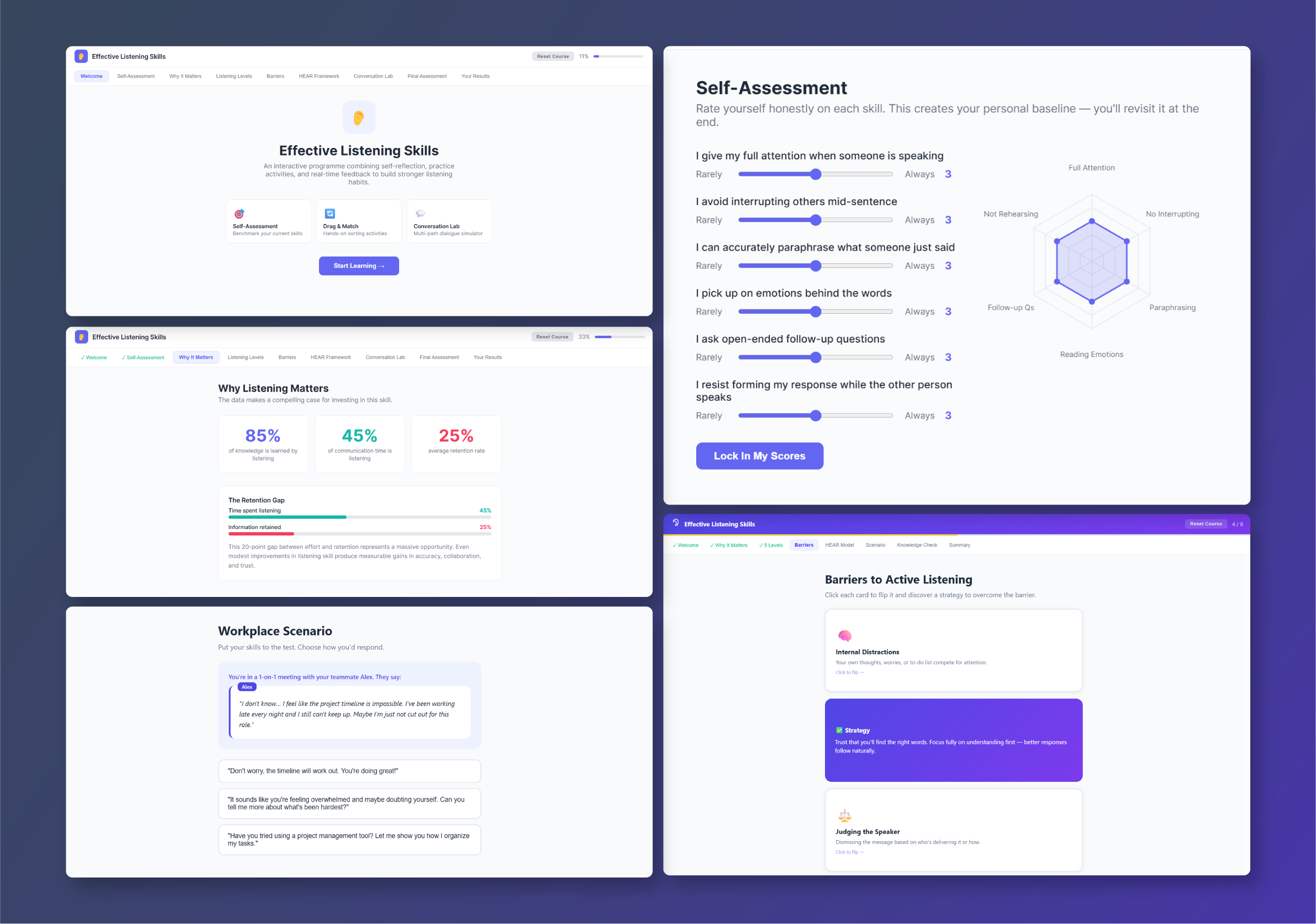
Choose Express eLearning when you want to:
- Turn content you already have, like slides or documents, into a polished course
- Get expert-designed quality on a short timeline
- Keep costs down with a fixed price
- Own the source files, editable without any authoring tool
Choose the Right Approach for Your Next Course
Whatever your next course calls for, there's an approach here that fits. Build it yourself, bring in something you already have, or hand it to our team of experts.
Pick your path, and get your next course built and in front of your learners.
Questions? Contact our Success Desk.