
To view information about a course in the timeline, click anywhere in the course bar.

The information displayed will vary depending on the course type:
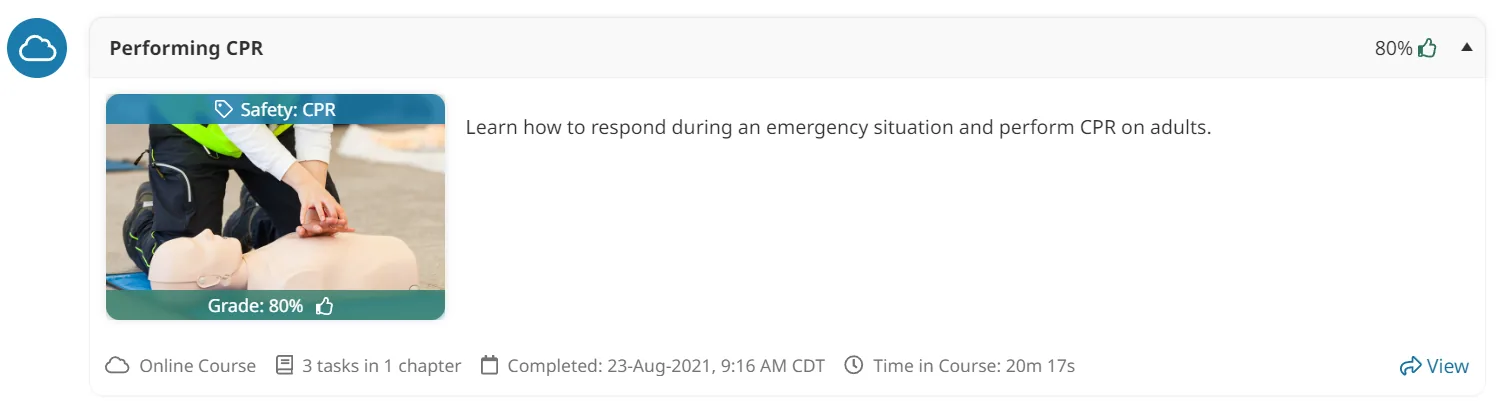
Online or SCORM Courses
The following details are displayed for the course:
- Your grade and a pass/fail icon (if the course is graded)
- The course image
- The course description
- The first tag associated with the course
- Number of tasks and chapters (for online courses only)
- Completion date
- Amount of time you spent in the course
- If you earned points for completing the course, the number of points earned displays above the arrow
Instructor-Led Courses
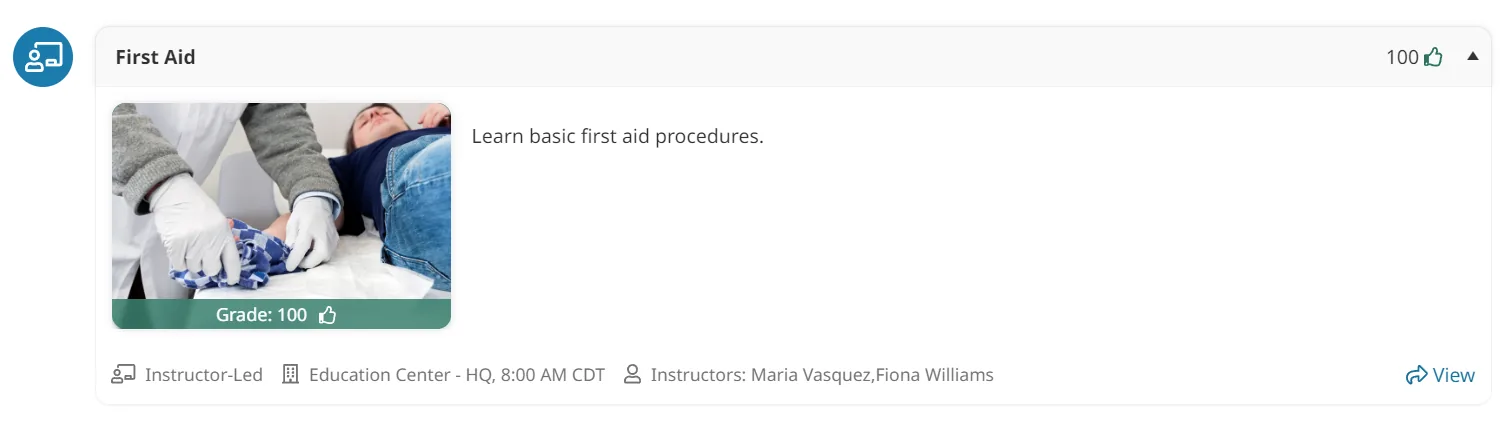
The following details are displayed for the course:
- Your grade and a pass/fail icon (if the course is graded)
- The course image
- The course description
- The first tag associated with the course
- The location
- The start time
- Instructors
- If you earned points for completing the course, the number of points earned displays above the arrow
Was this article helpful?
Your answer helps us improve the Success Center.