
The Organizations Dashboard enables you to view and manage organizations.
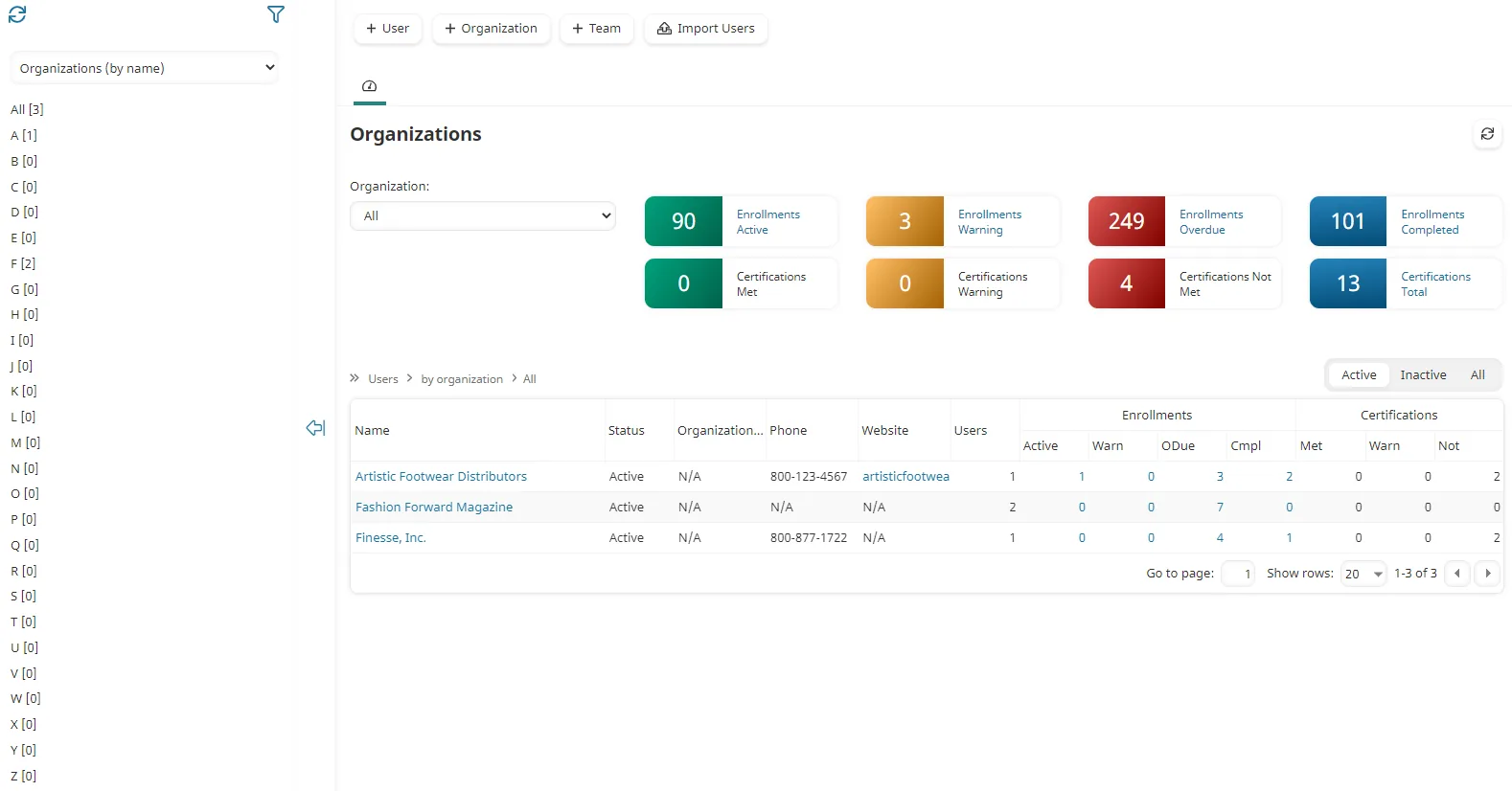
Depending on your permissions, you may also do the following from the Organizations Dashboard:
Who Has Access
The following users have access to the Organizations Dashboard:
- Users with the Manage Organizations or View Organizations account permission.
- Administrators and owners.
Viewing the Organizations Dashboard
To view the Organizations Dashboard:
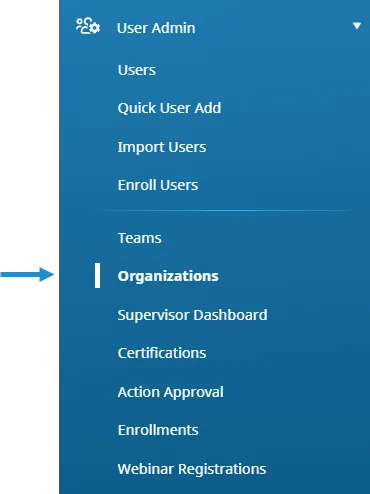
- From the Admin menu, select User Admin.
- Select Organizations.
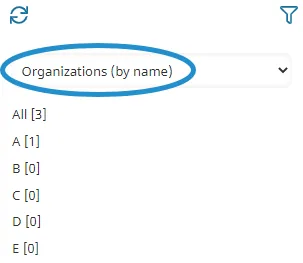
By default, the Organizations (by name) list option is selected.
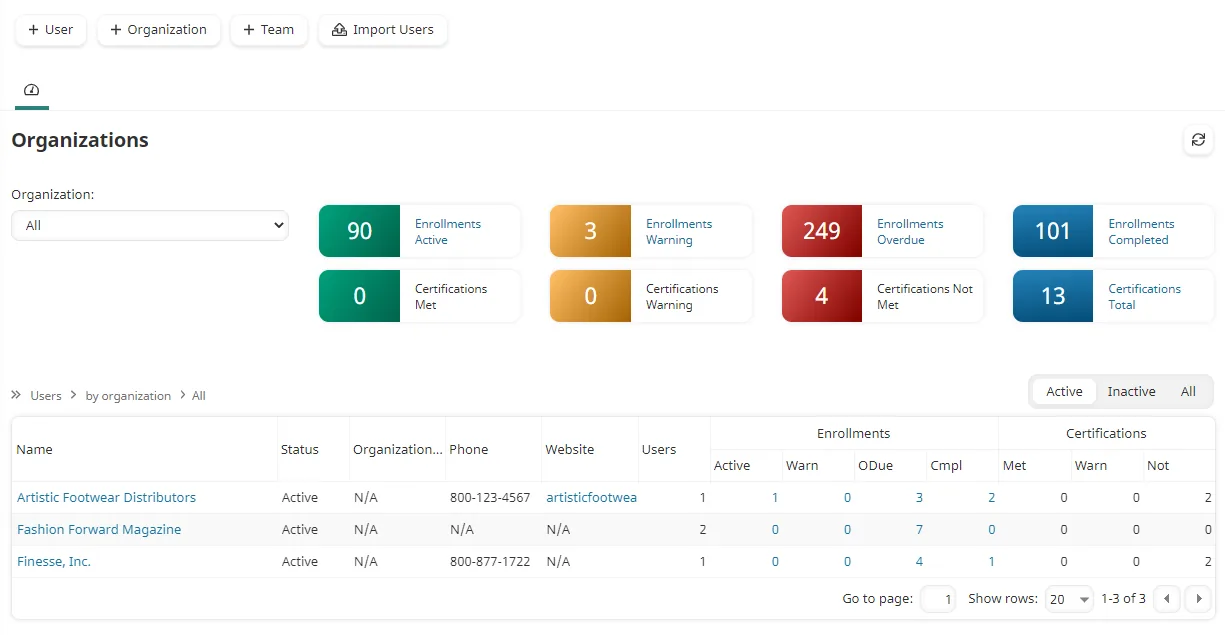
The right pane displays a summary of enrollments and certifications at the top. A grid of all organizations displays below the summaries.
Columns in the Grid
The columns in the grid are described below.
Column | Description |
|---|---|
Name | |
Status | The status of the organization (i.e., Active, Inactive). |
Organization ID | The organization's ID. |
Phone | The organization's primary phone number. |
Website | The organization's website. |
Users | The number of users associated with the organization. |
Enrollments | The number of enrollments by status for the users in the organization. |
Certifications | The number of certifications by status for the users in the organization. |
Was this article helpful?
Your answer helps us improve the Success Center.