
Who Has Access
The following users have access to the Quiz Grading Dashboard:
- Users with the Group Manager or Long Answer Quiz Marker group permission.
- Users who have been specified as graders for a quiz.
- Administrators and owners.
Viewing the Quiz Grading Dashboard
To view the Quiz Grading Dashboard:
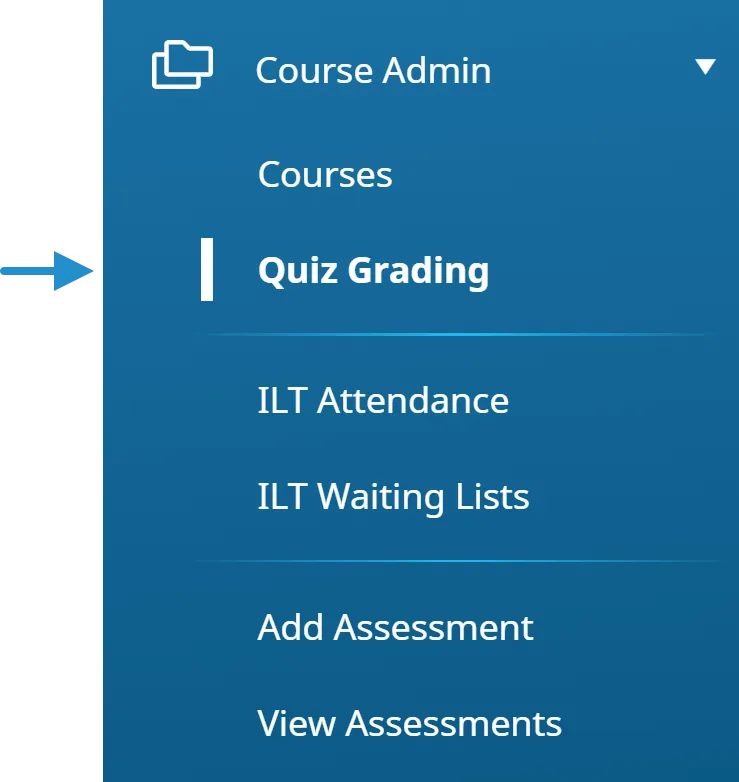
- From the Admin menu, select Course Admin.
- Select Quiz Grading.
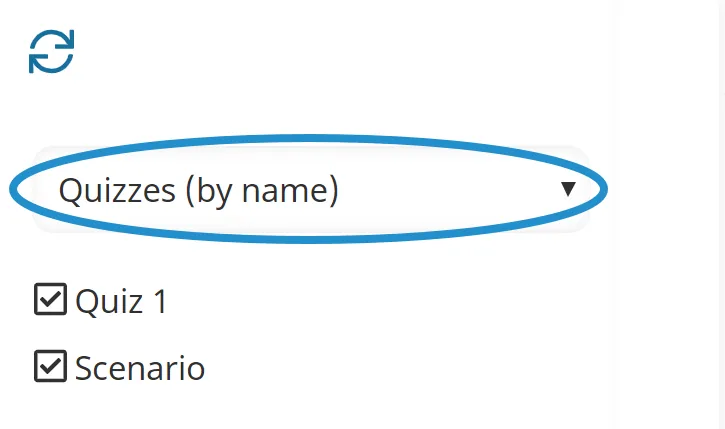
By default, the Quizzes (by Name)list option is selected.
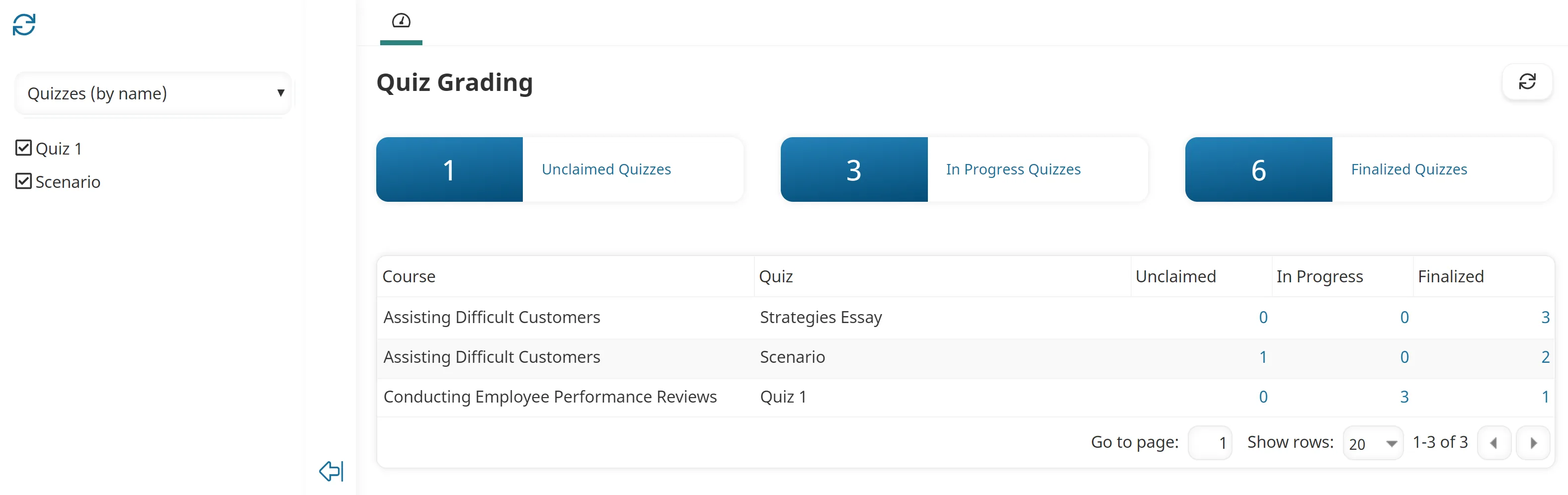
The right pane displays a summary of unclaimed, in progress, and finalized quizzes. A grid of all courses with quizzes containing long answer questions displays below the summaries.
Columns in the Grid
The columns in the grid are described below.
| Column | Description |
|---|---|
| Course | The course containing the quiz with a long answer question. |
| Quiz | The name of the quiz containing the long answer question. |
| Unclaimed | The number of quiz attempts that are not yet claimed for grading. |
| In Progress | The number of quiz attempts that have been claimed and are in the process of being graded. |
| Finalized | The number of quiz attempts that have been reviewed and graded. |
Was this article helpful?
Your answer helps us improve the Success Center.