
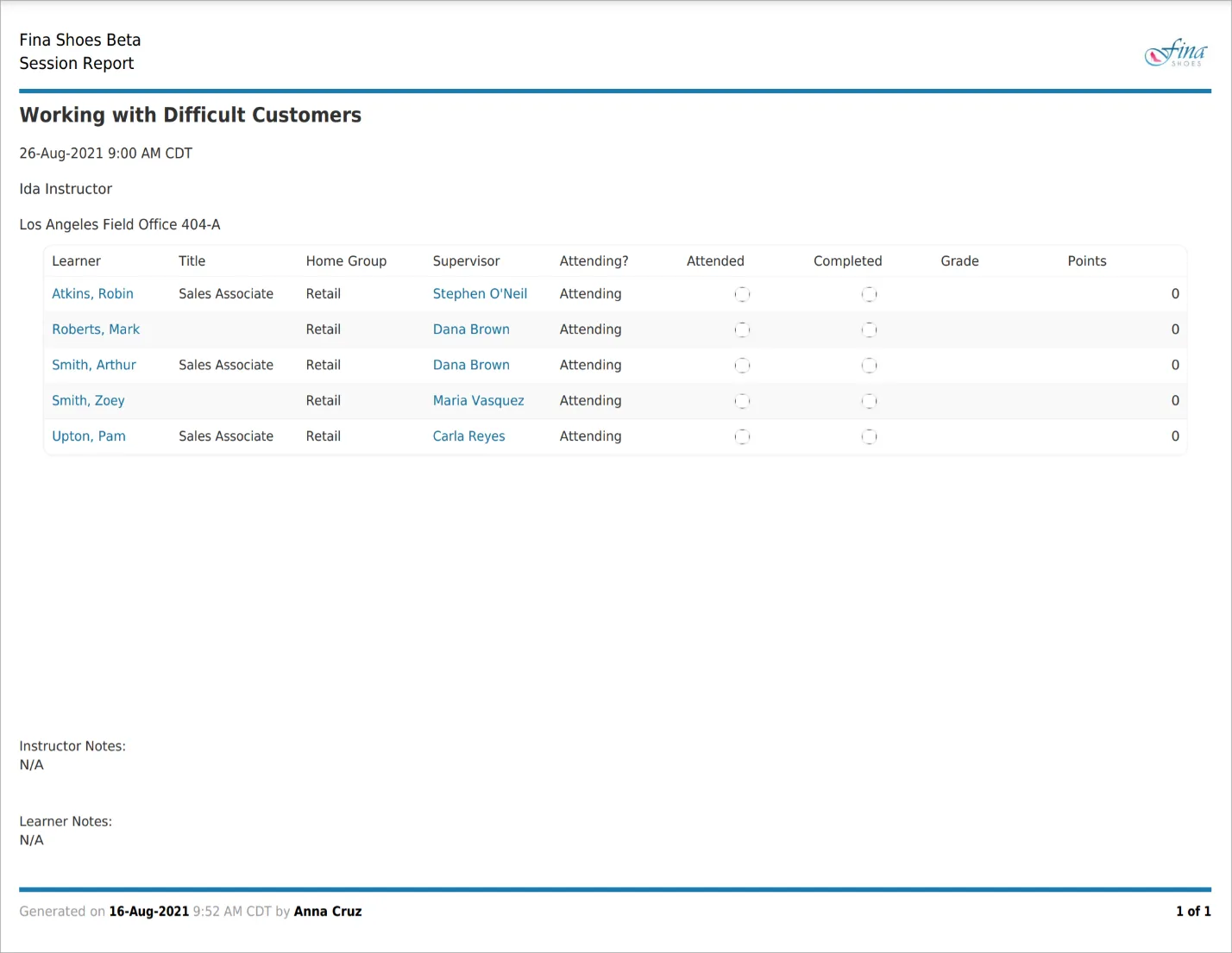
The roster lists the learners in the course and allows you to manually track learners' attendance, completion status, and grades.
Who Has Access
The following users can download the roster:
- Users with the Group Manager or Instructor-Led Training Instructor group permission.
- Course managers, if the account's Course Manager Access setting's ILT Instructor option is checked. Course managers will only be able to view sessions that belong to courses that they manage.
- Administrators and owners.
Downloading the Roster
To download the roster:
- From the Admin menu, select Course Admin.
- Select ILT Attendance. The ILT Attendance Dashboard displays.
- Click the session. The session's information displays in the right pane.
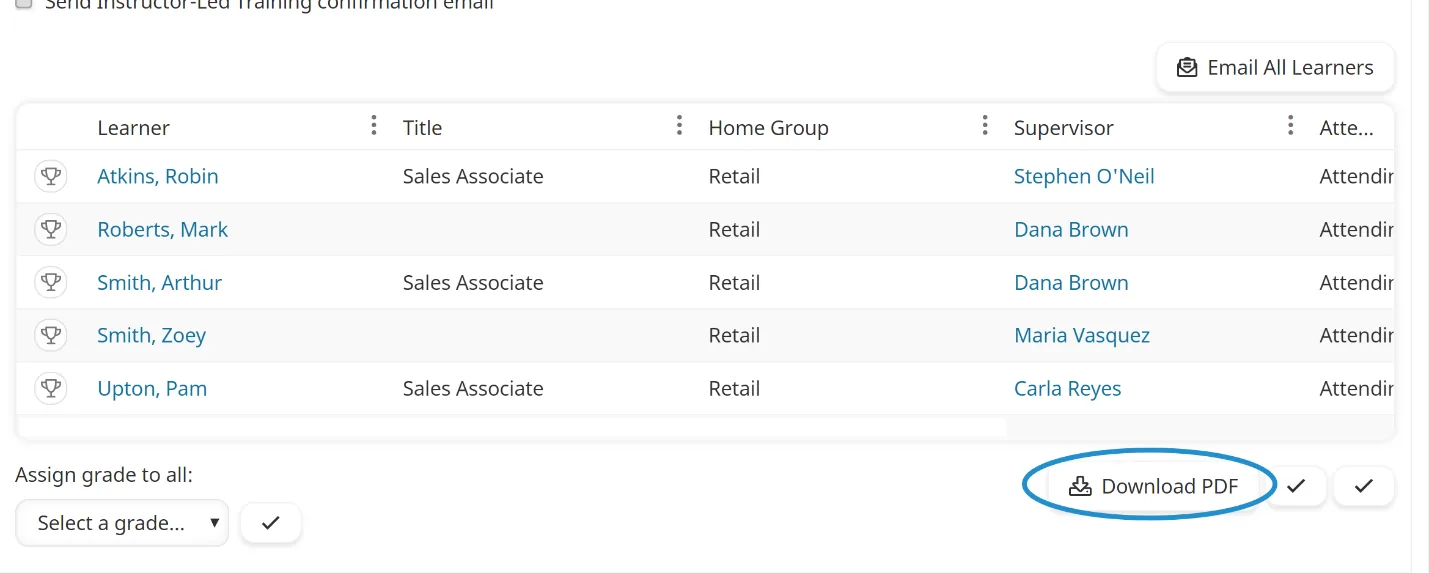
- Click Download PDF. The button is located below the table of enrolled learners.
Was this article helpful?
Your answer helps us improve the Success Center.