Enrollment Report: Viewing a Learner's Completion Certificate
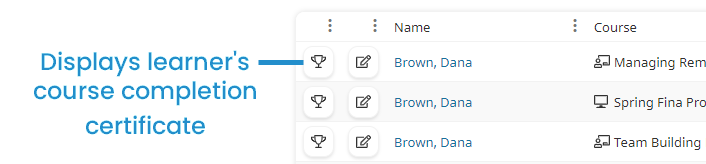
If a learner has completed the course and the course's Course Certificate setting is set to Default or Custom, a  displays beside the learner's name in the Enrollment Report.
To view a learner's completion certificate:
- Run the default Enrollment Report, or your custom Enrollment Report.
- From the Report section, click
 .
.
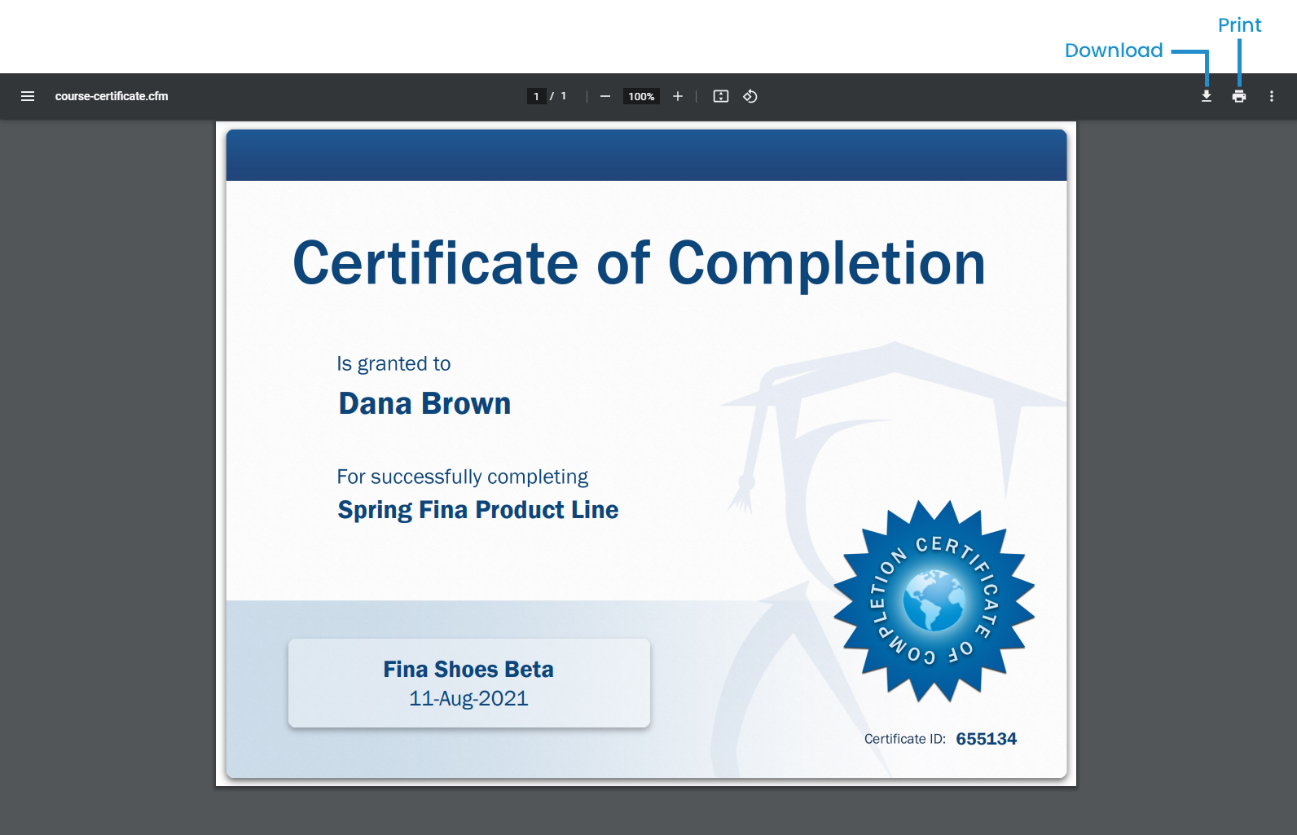
The learner's course completion certificate displays. To download the certificate, click  . To print the certificate, click
  .
.
Was this article helpful?
Related articles
Admin Interface > Reports > Enrollment Report > Custom Enrollment Report
Admin Interface > Reports > Enrollment Report
Admin Interface > Courses: Instructor-led > Settings: Instructor-led Courses
Admin Interface > Courses: Online > Settings: Online Courses
Admin Interface > Courses: SCORM > Settings: SCORM Course