
To edit a page in your dashboard set:
- From the Admin menu, select Account Admin.
- Select Learner Dashboard Builder. The Learner Dashboard Builder displays.
- From the list in the left pane, select Dashboard Sets (by name).
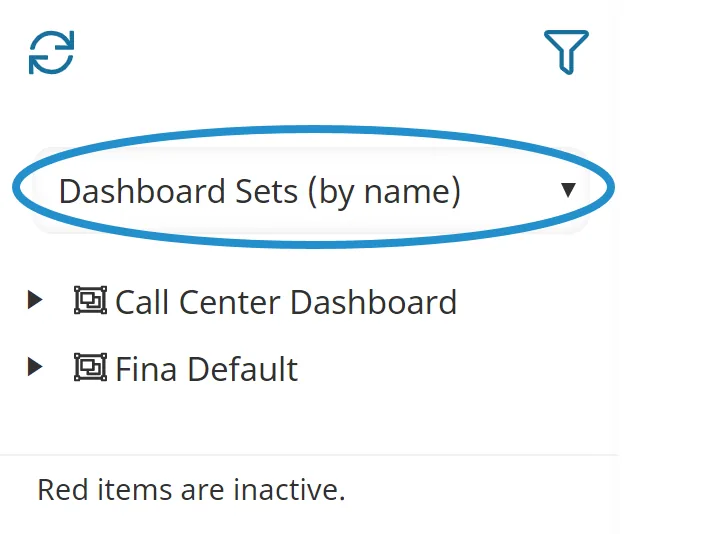
- Click the arrows in the left pane to drill down to the page you want to edit.
- Click the page's name. The Add/Edit Category Page workscreen displays the page's details.
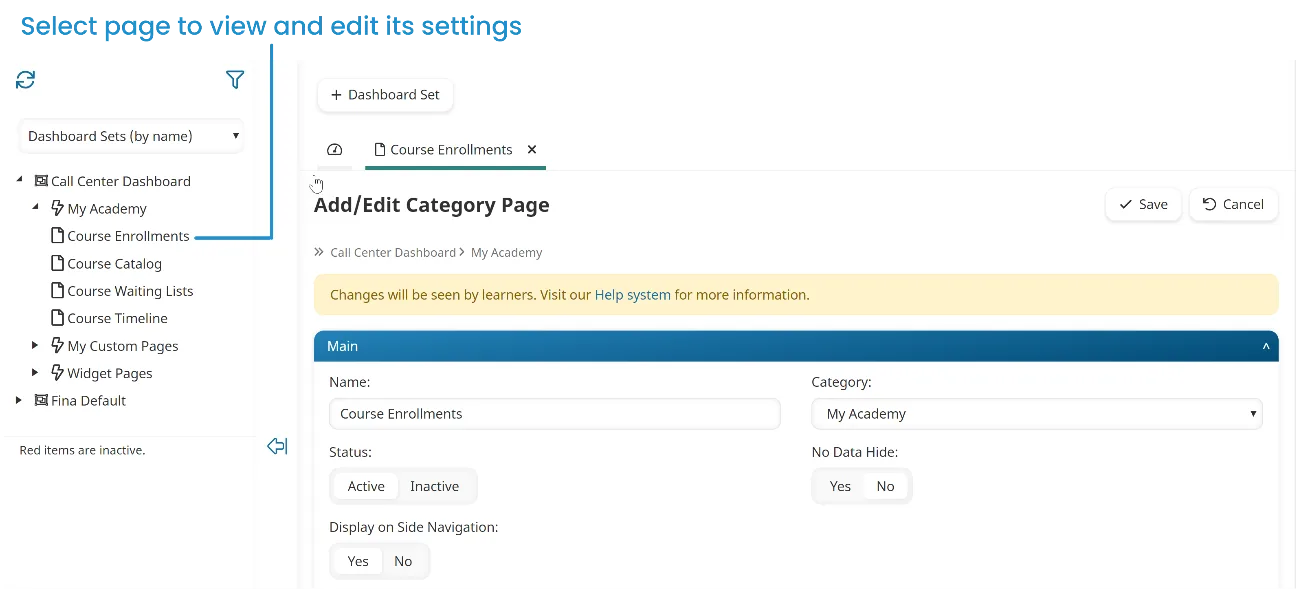
- Edit the page's settings as needed. Information about the various accordions can be found on the pages below:
- Main
- Labels
- Configuration - Some page types and widgets do not have any configuration settings.
- Click Save.
Was this article helpful?
Your answer helps us improve the Success Center.